Topic
Articles about audio
Guides, comparisons and playbooks about audio, from the team behind ReScreen, the native screen recorder and editor for Mac.

How-To Guides
How to Record a Zoom Meeting on a Mac: Built-In Recording, Screen Recorders and Consent
You can record a Zoom call with Zoom itself or with a screen recorder. Here is how each works, how to capture both sides of the sound, and the consent question.
5 min read
How-To Guides
How to Record Audio on a Mac: Voice Memos, QuickTime and System Sound
A Mac can record your voice with two apps you already have. Here is how each works, how to capture the sound the Mac plays, and when audio-only is the wrong tool.
5 min read
How-To Guides
How to Remove Background Noise From a Video or Mic Recording on a Mac
Steady noise like a fan or a hum can be reduced after the fact. A voice in the next room cannot. Here is how to tell the difference and what to do about each.
6 min read
How-To Guides
How to Screen Record on a Mac With Audio: Microphone, System Sound and QuickTime
A Mac screen recording can have your voice, the app's sound, both or neither. Here is what each built-in route captures, and how to get the sound you meant to.
5 min read
How-To Guides
How to Screen Record on a Mac: Shortcuts, QuickTime and When to Use a Recorder
Yes, you can screen record on a Mac without installing anything. Here are the two built-in routes, where the file goes, how to stop, and where they run out.
7 min read
Use Cases
How to Fix Bad Audio in Screen Recordings: Quiet Voice, Loud App Sounds and Background Noise
A quiet voice, a deafening notification and a humming fan are three different problems. Here is why one flattened track hides them, and how to fix each.
6 min read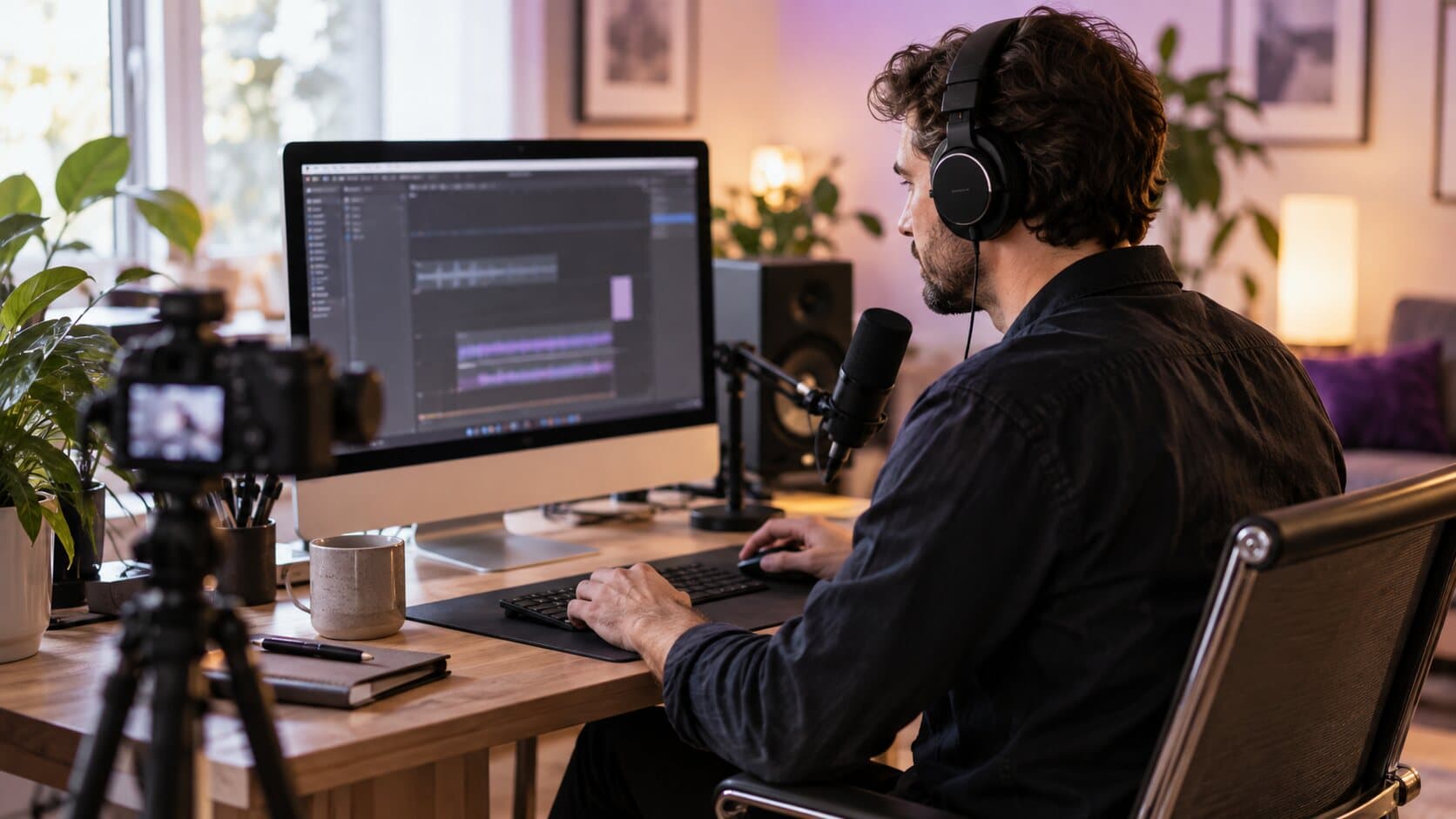
Product Features
How to Record System Audio on Mac Without a Virtual Audio Driver
Your Mac recording has your voice but not the app's sound. Here is why that happens, and how to capture system audio without a loopback driver.
6 min read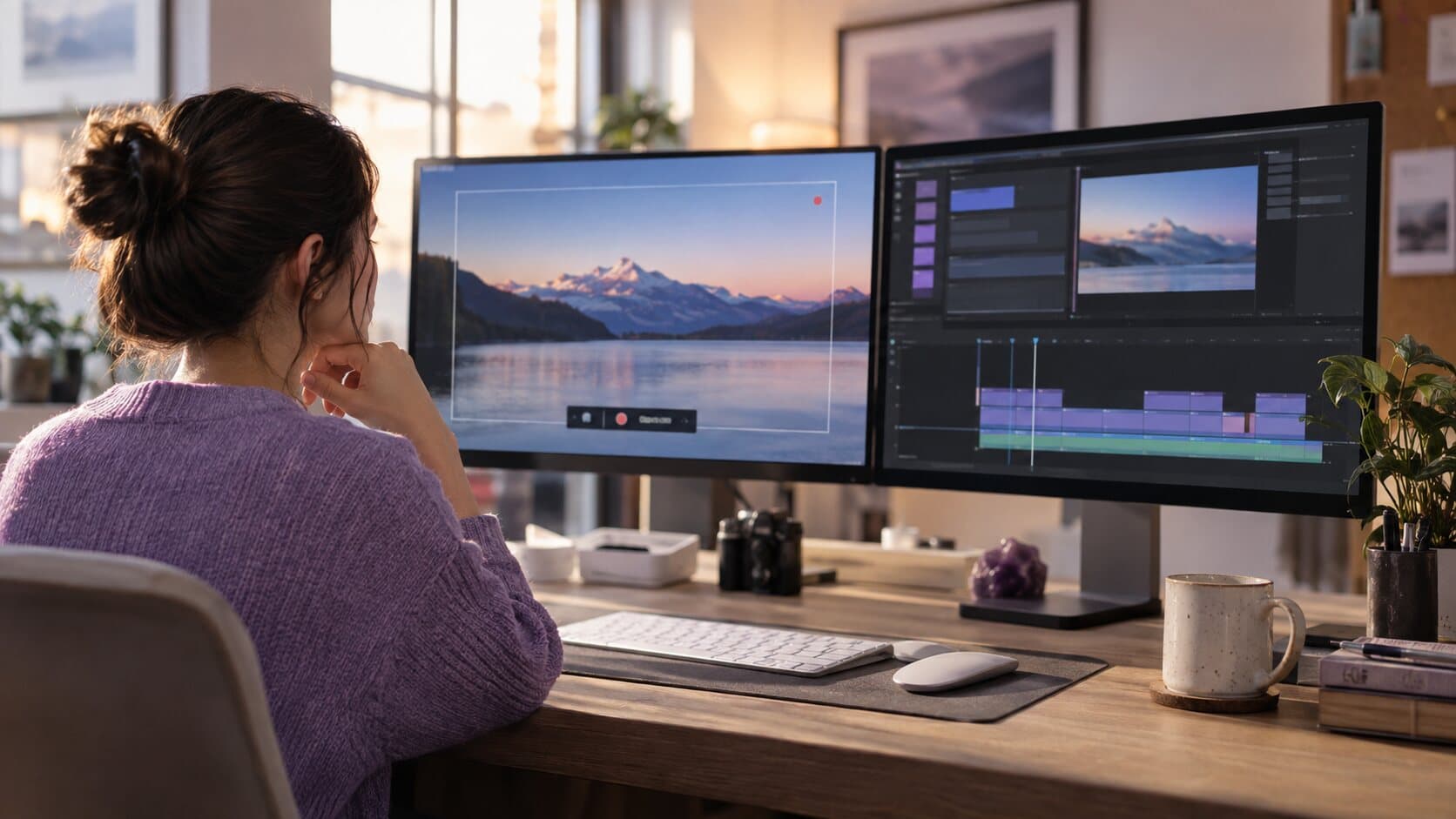
Comparisons
ReScreen vs QuickTime Player: Built-In Recorder or Purpose-Built Tool?
QuickTime Player is already on your Mac and costs nothing. Here is exactly where it is enough, and where a purpose-built recorder earns its price.
6 min read
Use Cases
Screen Recording for Online Courses: Stop Losing Lessons and Hours to the Edit
Course creators lose lessons to crashes and weekends to editing. Here is a recording workflow that keeps forty lessons consistent, safe and quick to finish.
6 min read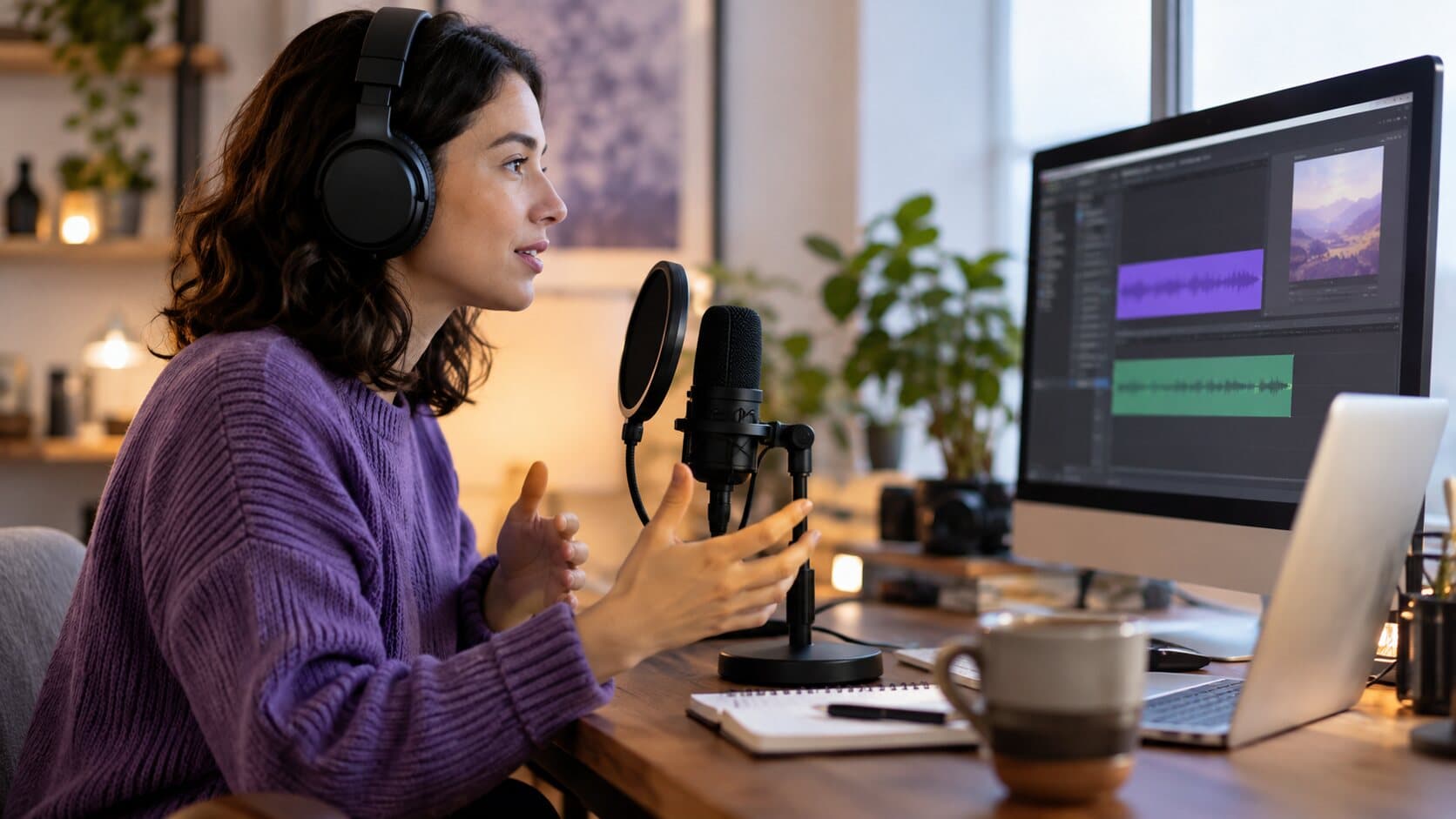
Product Features
Why Separate Audio Tracks Save Your Screen Recording
One flattened audio track means one loud ping can ruin a good take. Here is what recording mic and system audio separately lets you fix afterwards.
6 min readAbout audio articles
Audio decides whether a screen recording gets finished or abandoned. This topic covers how to record system audio on a Mac without a virtual driver, why separate audio tracks make a bad take repairable, how to remove background noise from a video and how to record sound with the screen on a Mac.
Record the next one properly
Install it, hit ⌥⌘R, and watch a take that would normally cost you an evening in a timeline come out finished.
macOS 13 Ventura or later · Apple Silicon and Intel