Cuts that close the gap
A ripple delete removes the range and pulls the rest of the timeline with it, so there is no silent hole left behind to tidy up.
Timeline editor
Splitting, trimming, ripple deletes and per-section speed, without exporting into another application first.
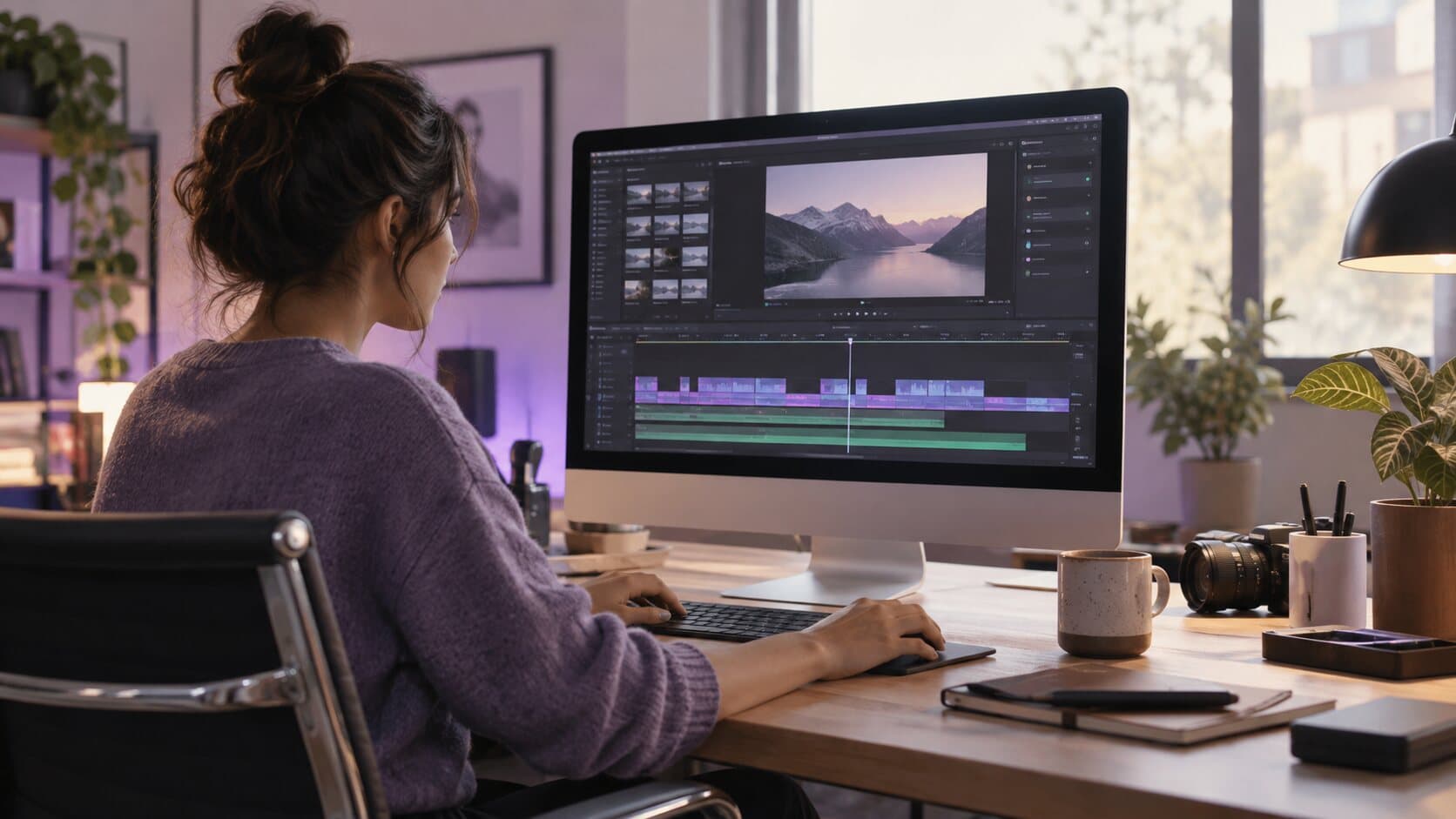
The problem
The take is fine except for the eleven seconds where you hunted for the right tab. Fixing that today means finding a video editor, waiting through an import, and re-encoding a file you only wanted to cut.
What happens instead
The take opens straight into a timeline. Split at the playhead, set in and out points, keep or ripple-delete a range, and give any section its own speed. Every change autosaves into the project.
In detail
A ripple delete removes the range and pulls the rest of the timeline with it, so there is no silent hole left behind to tidy up.
Slow down the part that matters, run the file copy at speed, and leave everything else exactly as it was recorded.
Timeline cuts, zoom blocks and styling all share the same history. ⌘Z and ⇧⌘Z, as far back as you need.
Project metadata is written as you work, and the previous valid checkpoint is kept beside it, so a bad write cannot cost you the session.
In the app
Captured from the application itself, at the size it actually draws.

Specifications
Most people who ask for a screen recorder and an editor want one thing: to cut the take without a second application. Stopping a recording in ReScreen opens the timeline directly on it. You can split at the playhead, set in and out points, keep or ripple-delete a range, and give a section its own speed. Autosave runs as you work and the same undo stack covers cuts, zooms and styling.
It is an editor for recordings, not a general-purpose film editor. It opens the takes you made in ReScreen, and it does not import arbitrary video files, add titles or generate captions. If you need those, video editing software for a Mac explains how to choose between an editor built for recordings and one built for films.
The ready-to-play MP4 saved beside every project is the captured video copied without a second encode, so it keeps the quality it was recorded at. Cuts live in the project and are applied by Export, so the capture itself is never altered and every cut can be undone. A screen recorder with a built-in editor goes through that trade in detail.
Because zooms, cursor styling and the canvas are generated for you, what is left to do is the human part: cutting the stumble, speeding up the loading screen, trimming the start and end. How to edit screen recordings faster is a short workflow for exactly that, and Smart Zoom explains why you do not keyframe zooms yourself.
An all-in-one tool is a trade: you give up the long tail of editing features a full suite has, and you gain a workflow that goes from record to finished file without an import. For tutorials, demos, support answers and updates that trade is almost always the right one. For a film assembled from many sources it is not, and ReScreen vs ScreenFlow and ReScreen vs Camtasia say so.
FAQ
No. Stopping a recording opens the editor on the take, and the cuts you make there are what the export renders. There is no intermediate file to produce first.
Yes. One video compositor drives both the player and the export, so what you scrub through is what is written to disk.
It is an editor for the recordings you make in it. You can split, trim, ripple-delete and change the speed of a section, mix audio and style the video. It does not import other video files and does not add titles, captions or music, so it is not a replacement for a general-purpose film editor.
Yes. Cuts live in the project and are applied only at export, and the ready-to-play MP4 beside the project is the captured video copied without re-encoding. The original capture is never altered, so every cut can be undone.
Keep reading
ReScreen watches where you click, drag and scroll, then pans and zooms the way an editor would — while you are still recording.
Read moreUp to 4K at 30 or 60 FPS, MP4 or MOV, H.264 or HEVC — plus a playable MP4 written the moment you stop.
Read moreCamera, microphone and system audio are captured as independent tracks, so fixing one never damages another.
Read moreFrom the blog
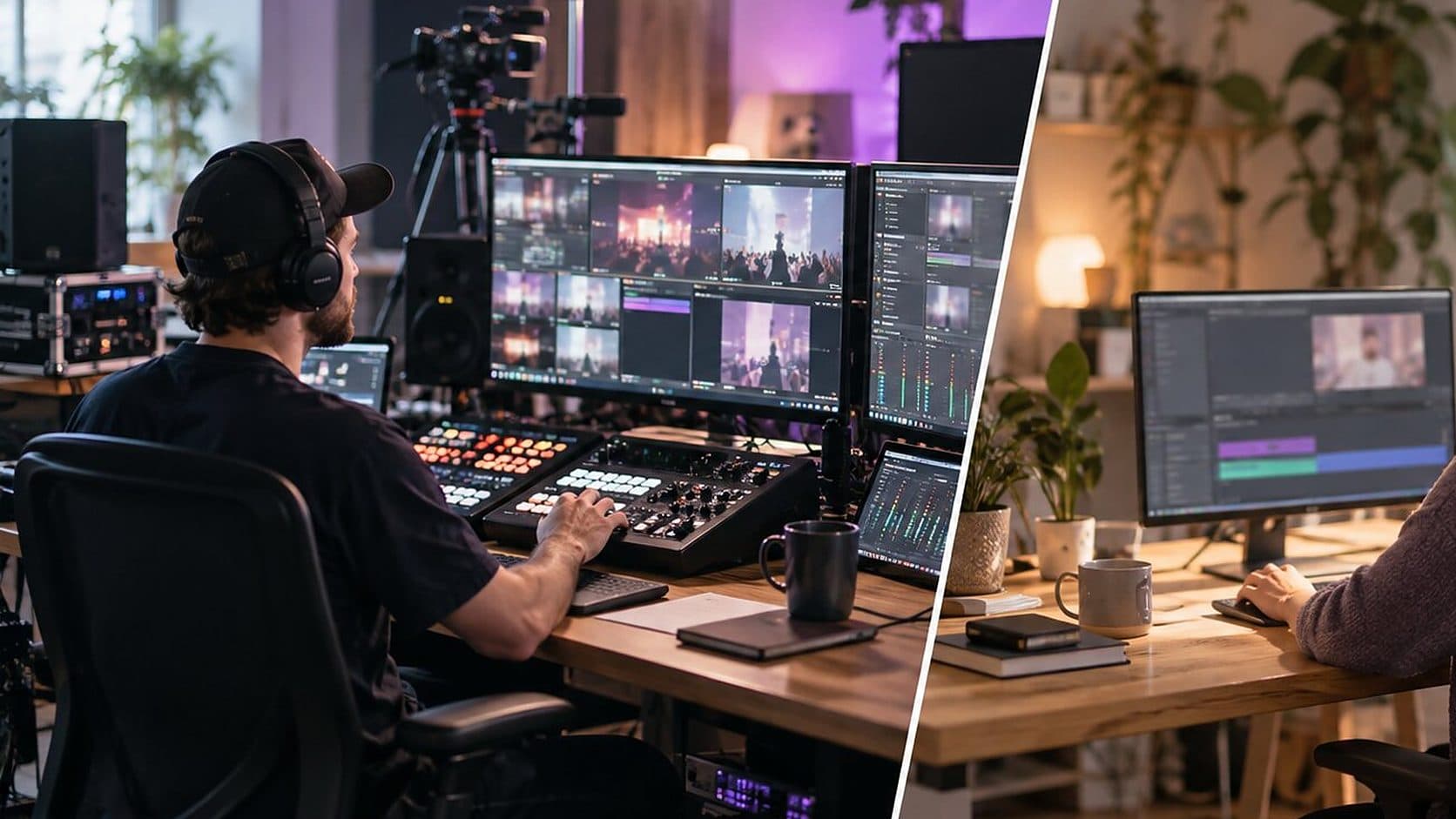
Comparisons
OBS Studio is built for streaming, and most people who install it want to record a screen. Here are the apps like OBS that suit that job on a Mac, and when to stay.
5 min read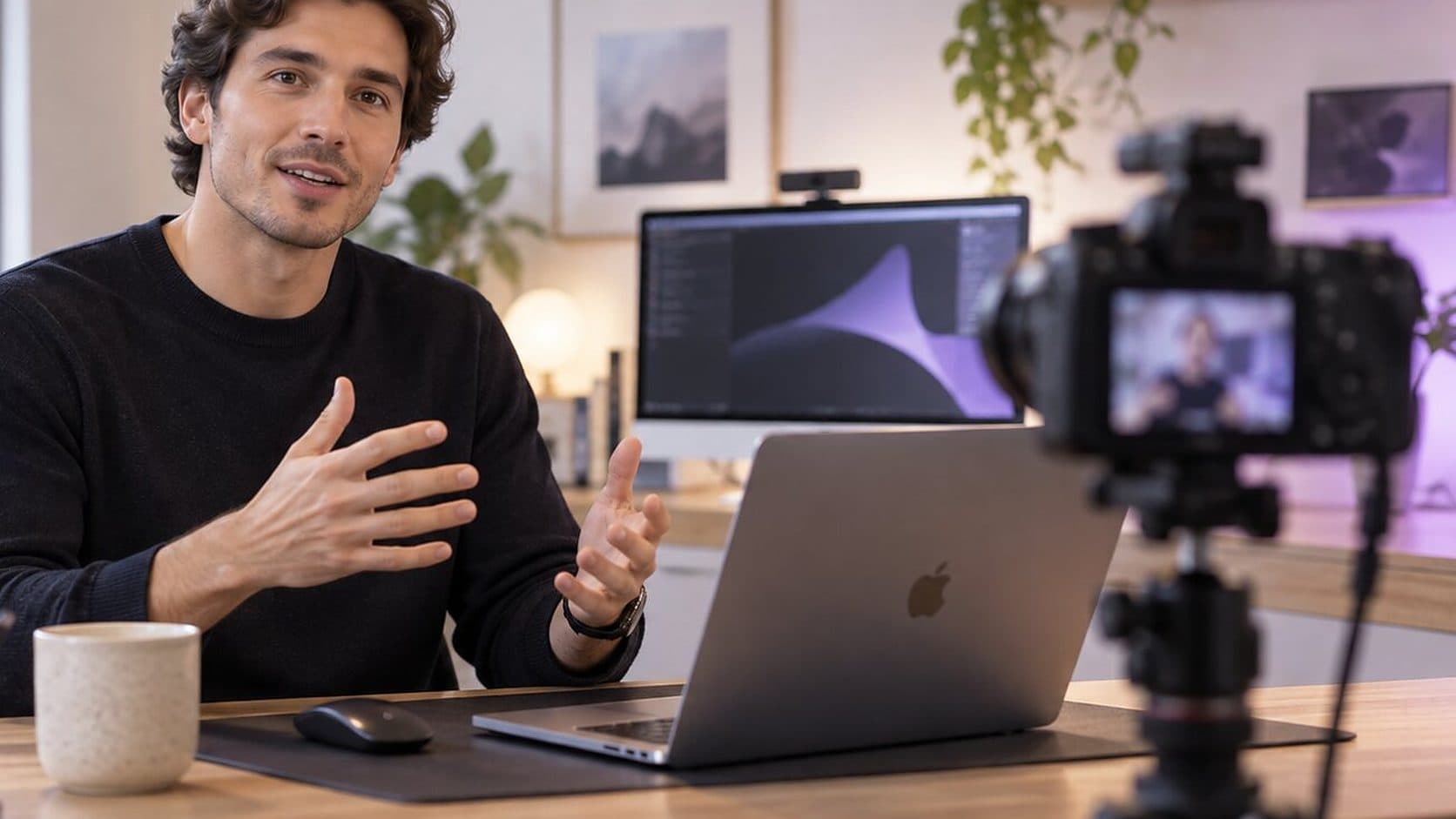
Video Marketing
'Product demo software' covers four different kinds of tool. Here is what each does, which job it suits, and how to choose without comparing the wrong things.
5 min read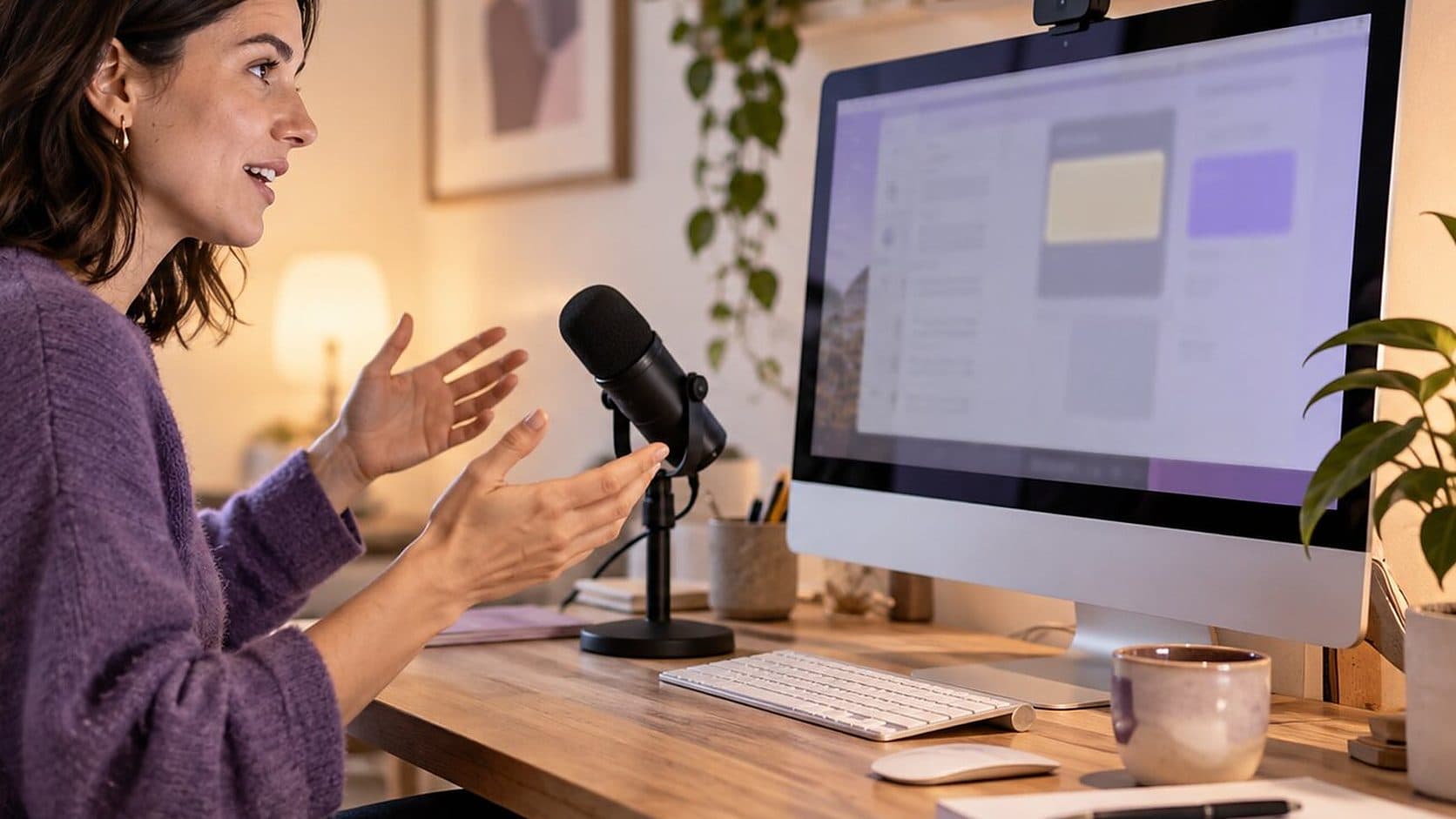
How-To Guides
A screencast is a recording of your screen with a voice explaining it. Here is the workflow that makes one watchable, including coding screencasts and the edit.
4 min read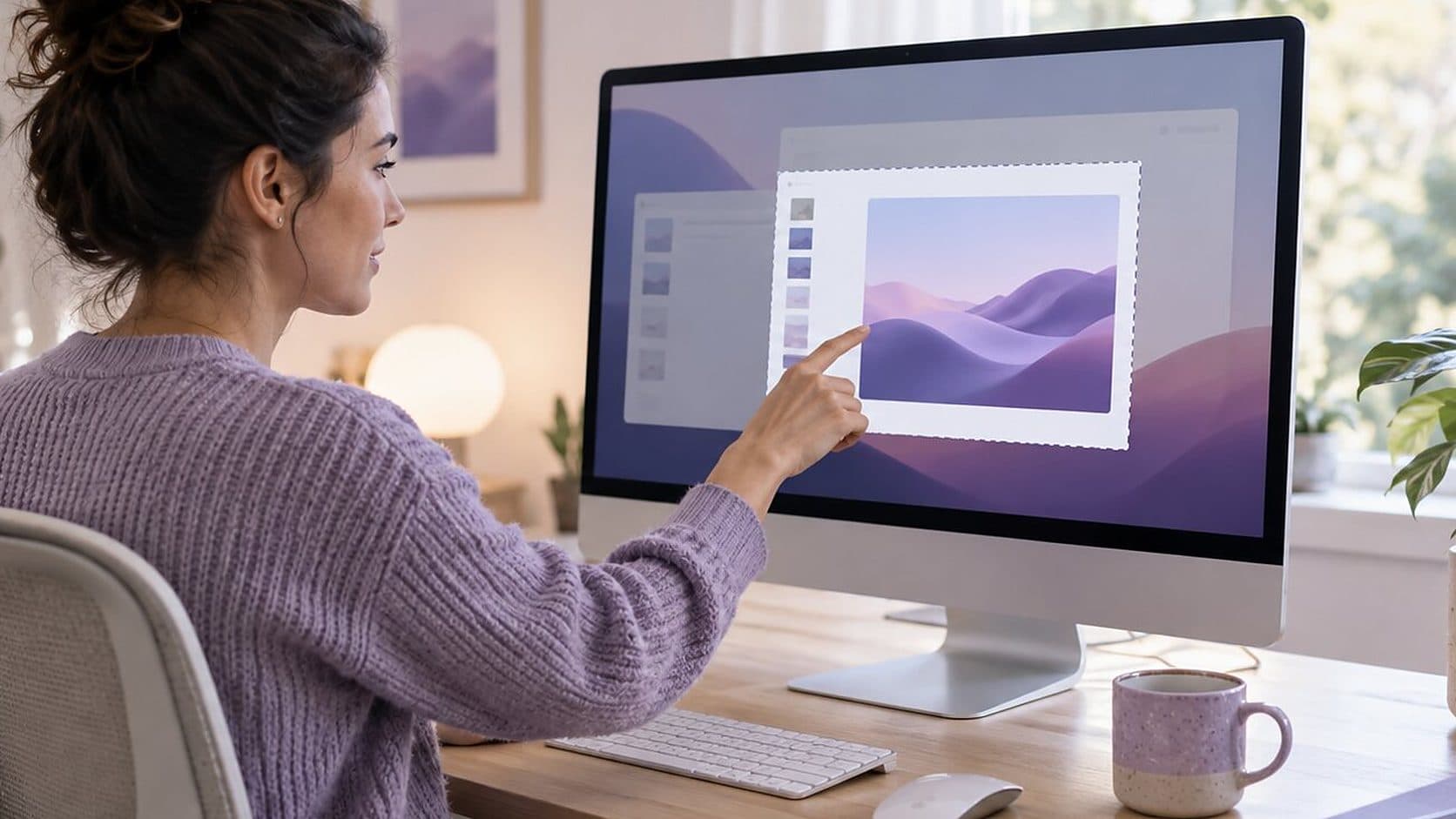
How-To Guides
Yes, you can screen record on a Mac without installing anything. Here are the two built-in routes, where the file goes, how to stop, and where they run out.
7 min read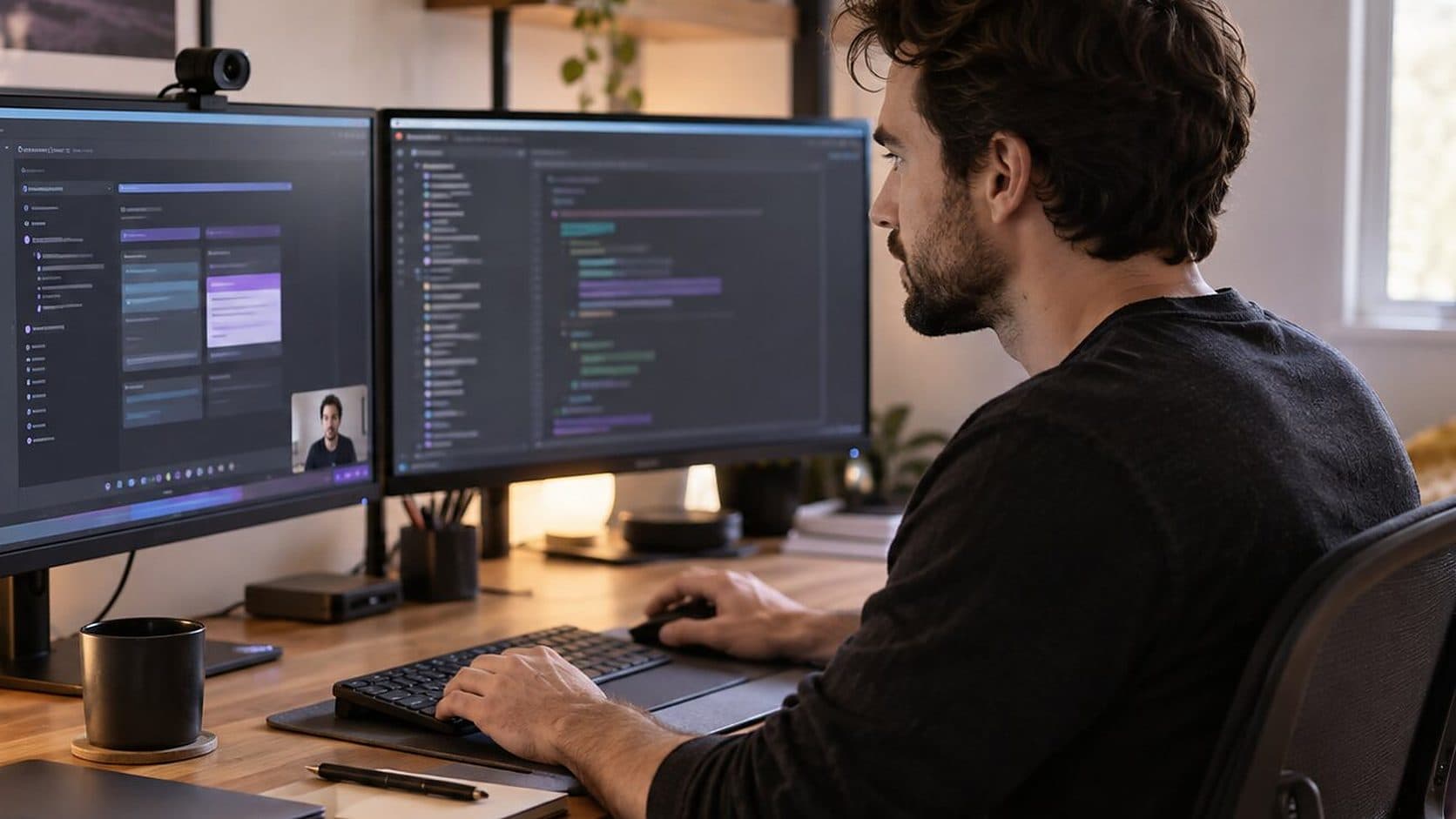
Use Cases
Good release notes say what changed for the user, in order of how much it matters. Here is a template, a sample set of app release notes and when a recording helps.
4 min read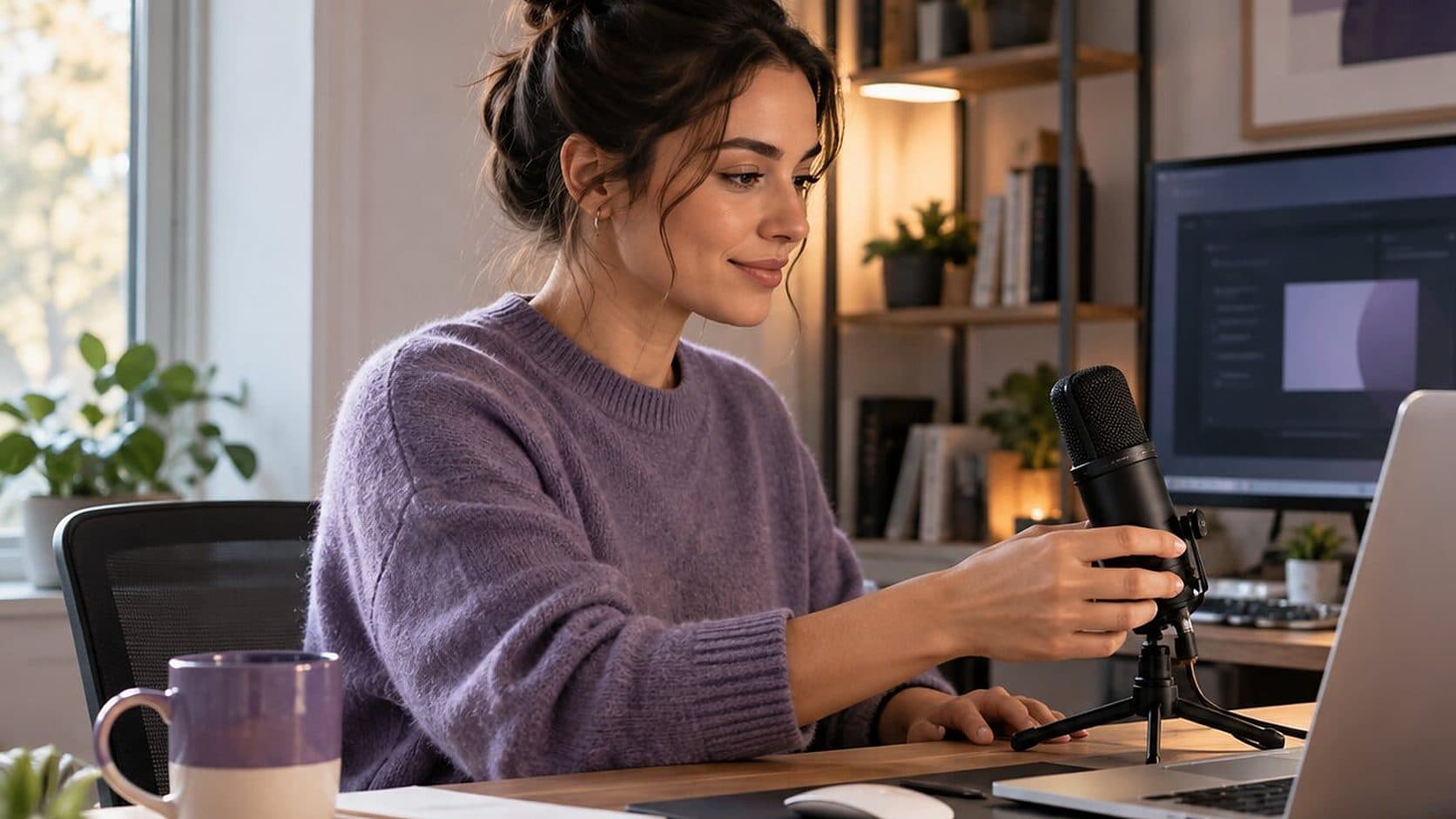
Video Marketing
A demo script is a list of beats, not a speech. Here is a five-part template for software demos and launch videos, with timings and a worked example to adapt.
5 min read
Video Marketing
An agency makes brand films and animation well; a screen recorder makes walkthroughs of the real product faster. Here is how to choose, and how to brief either.
5 min read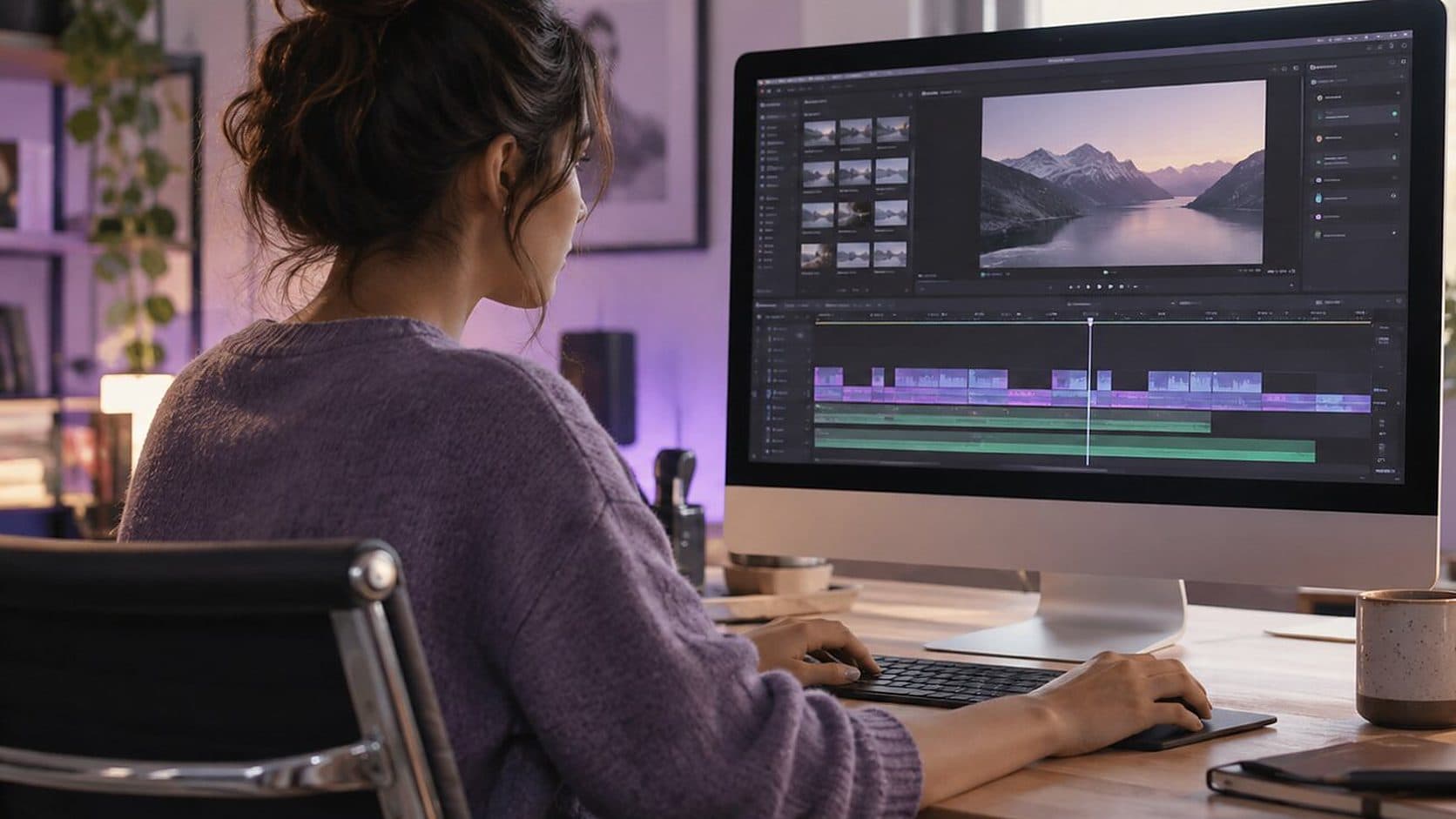
Comparisons
There are two kinds of video: footage you assemble and a screen you recorded. They need different editors. Here is how to choose for a Mac, and what to skip.
6 min read
Video Marketing
Video marketing for software is mostly showing the product working. Here is a plan: goals, formats by funnel stage, a production routine and the few metrics worth tracking.
8 min readInstall it, hit ⌥⌘R, and watch a take that would normally cost you an evening in a timeline come out finished.
macOS 13 Ventura or later · Apple Silicon and Intel