The canvas changes, the recording does not
Shape is an export decision, so one take leaves as 16:9 for YouTube and again as 9:16 for Shorts without recording the demo a second time.
Vertical video
A 9:16, 4:5 or 1:1 canvas that shows the whole screen over a blurred backdrop, or fills with your recording and follows what you are doing, so the action stays inside a frame the shape of a phone.
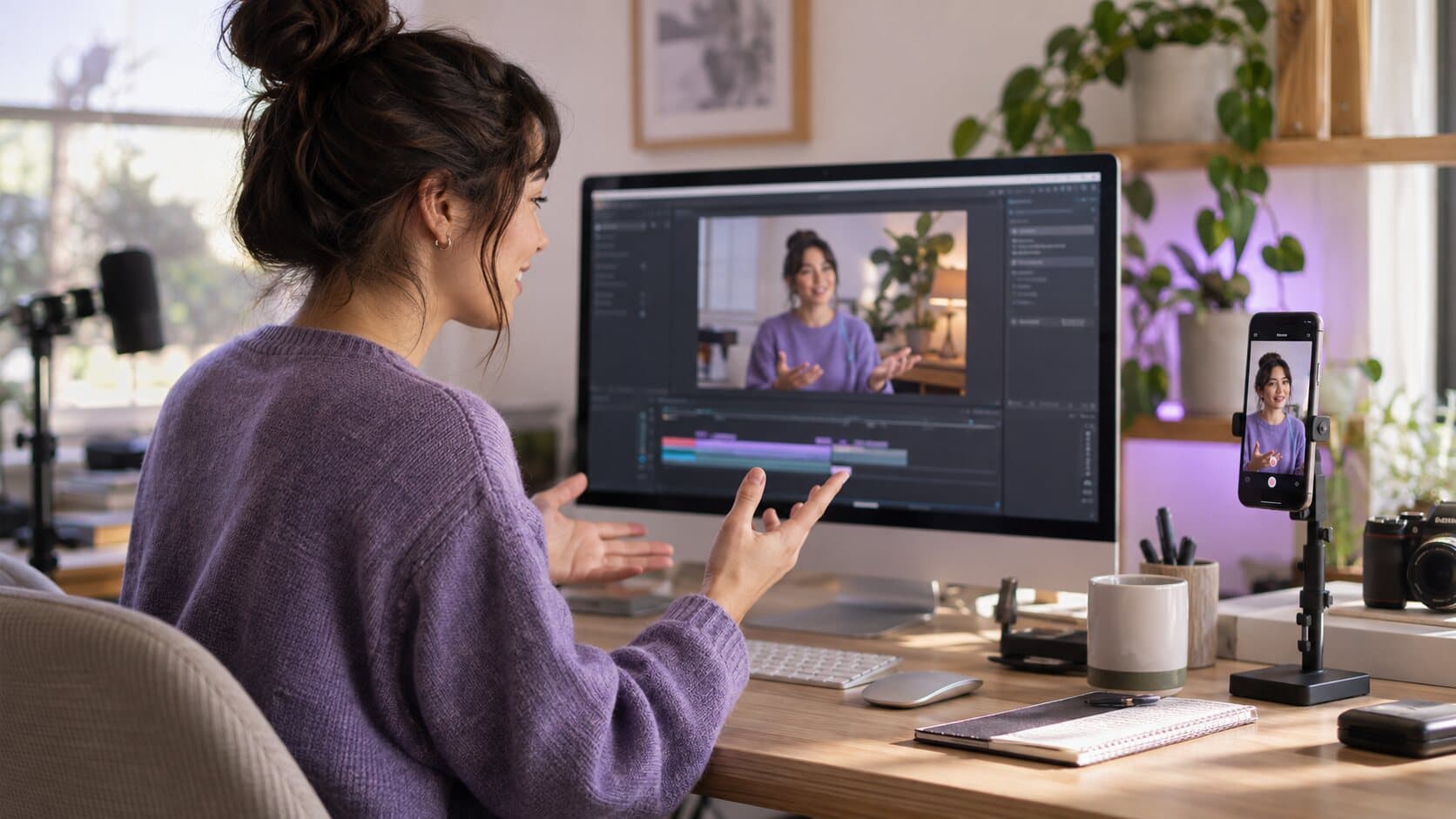
The problem
Your monitor is wide and the feed is tall. Drop an ordinary capture into Shorts, Reels or TikTok and it lands as a letterboxed strip across the middle of the phone, with interface text nobody can read and two black bars doing the rest.
What happens instead
macOS has no vertical recording mode and you do not need one. Record the screen as it is, then pick where the video is going: the canvas changes shape and the whole screen sits over a blurred backdrop, or you fill the tall canvas and let the framing follow the clicks and drags recorded during the take while the crop stays inside the picture you captured. A live preview shows the frame before you export.
In detail
Shape is an export decision, so one take leaves as 16:9 for YouTube and again as 9:16 for Shorts without recording the demo a second time.
Show the whole screen over a blur, a colour or a gradient, or fill the tall canvas and let the crop follow the clicks, drags and scrolls recorded during the take — held inside the captured picture, so nothing slides off the edge.
9:16 for Shorts, Reels and TikTok, 4:5 for the Instagram feed, 1:1 for square placements, and 3:4 or a ratio of your own when something else needs it.
Smart Zoom, the camera bubble, the background and the cursor are all drawn into the vertical frame, so what you get is a finished video rather than a cropped one.
Specifications
macOS records the screen in the shape the screen is, so there is no vertical capture mode to switch on, and a vertical screen recorder for a Mac is really a recorder that reframes afterwards. Record the display, a window or a region as normal; then choose a 9:16, 4:5 or 1:1 canvas. The frame fills, follows the clicks, drags and scrolls recorded during the take, and keeps the crop inside the picture you captured.
The same take can leave as a landscape MP4 for your website and as a 9:16 clip for YouTube Shorts, Instagram Reels and TikTok, without recording the demo twice. Export destinations carry the shape and the codec for each platform: export and presets lists them. For the editorial side, vertical screen recording for Shorts, Reels and TikTok goes through the workflow in detail, and screen recordings for social media marketing places the format in a wider plan.
The conversion is a canvas choice, not an edit: Smart Zoom, the camera bubble, the background and the cursor are all drawn into the tall frame. Your crop is never taller than what you recorded, so nothing is invented, and a zoom you set for the landscape version still applies. Screen recording backgrounds and padding is worth reading before you export, because a tall canvas has more background to design.
Use 9:16 for YouTube Shorts, Instagram Reels and TikTok, where the whole phone screen is the canvas. Use 4:5 for the Instagram feed, which shows a taller-than-square frame, and 1:1 where a square is required. If you post one recording to several places, export once per destination from the same project rather than re-recording, and check each at phone size before you publish.
FAQ
Not as a capture mode — macOS records the screen in the shape the screen is. ReScreen does it the other way round: record the display, the window or a region you draw, then set a 9:16 canvas at export and let the framing follow what you did during the take.
No. Canvas ratio and framing belong to the project, not to the recording, so the same take exports as 16:9 for YouTube and 9:16 for Shorts, Reels or TikTok. Only the export runs again.
From the interaction recorded with the take. Clicks, drags and scrolls tell the framing where the work is happening, and the crop moves with them while staying inside the captured picture, so the part you are demonstrating stays on screen.
Use 9:16 for TikTok, Instagram Reels and YouTube Shorts, 4:5 for the Instagram feed and 1:1 where a square placement is required. Pick the matching destination tile at export and the canvas, framing and codec are set together.
Keep reading
Padding, rounded corners, a shadow and a background that belongs to your brand — set once, rendered at export.
Read moreUp to 4K at 30 or 60 FPS, MP4 or MOV, H.264 or HEVC — plus a playable MP4 written the moment you stop.
Read moreReScreen watches where you click, drag and scroll, then pans and zooms the way an editor would — while you are still recording.
Read moreFrom the blog

Video Marketing
A promo video for software is a short, specific showing of the product doing something worth wanting. Here is the format, the script, the recording and the edit.
5 min read
Video Marketing
Video marketing for software is mostly showing the product working. Here is a plan: goals, formats by funnel stage, a production routine and the few metrics worth tracking.
8 min read
Product Features
Your screen is wide and the feed is tall. ReScreen's vertical presets reframe one landscape recording into 9:16 and follow your pointer so the action stays in shot.
6 min readInstall it, hit ⌥⌘R, and watch a take that would normally cost you an evening in a timeline come out finished.
macOS 13 Ventura or later · Apple Silicon and Intel