Video Marketing
Market your product with screen recordings
Playbooks for product demos, launch videos, tutorials, onboarding and sales videos — how software teams show their product with a screen recorder.
Video Marketing
Best Product Demo Software: Screen Recorders, Interactive Demos and Demo Automation Compared
'Product demo software' covers four different kinds of tool. Here is what each does, which job it suits, and how to choose without comparing the wrong things.
5 min read
Video Marketing
How to Make a Promo Video for Software: A Screen-Recording Workflow That Needs No Agency
A promo video for software is a short, specific showing of the product doing something worth wanting. Here is the format, the script, the recording and the edit.
5 min read
Video Marketing
Product Demo Script Template: A Fill-In Script and a Worked Example for Software Demos
A demo script is a list of beats, not a speech. Here is a five-part template for software demos and launch videos, with timings and a worked example to adapt.
5 min read
Video Marketing
Product Demo Video Agency or DIY? When to Hire and When a Screen Recorder Is Enough
An agency makes brand films and animation well; a screen recorder makes walkthroughs of the real product faster. Here is how to choose, and how to brief either.
5 min read
Video Marketing
SaaS Demo Best Practices: Twelve Rules for Product Demos People Watch to the End
A good SaaS demo is short, specific and recorded from the real product. Twelve rules for software demos, the formats to choose between and the mistakes that lose viewers.
5 min read
Video Marketing
Video Marketing Strategy for Software Companies: A Practical Plan Built on Screen Recordings
Video marketing for software is mostly showing the product working. Here is a plan: goals, formats by funnel stage, a production routine and the few metrics worth tracking.
8 min read
Video Marketing
How to Record a Software Demo
A step-by-step method for recording a software demo people can follow: prepare the machine, capture the right window, get the microphone right, then trim and export.
14 min read
Video Marketing
Customer Onboarding Videos That Shorten Time-to-Value and Reduce Churn
New customers rarely leave because the product is bad. They leave because they never reached the part that is good. Short onboarding videos get them there.
6 min read
Video Marketing
How to Build a YouTube Channel for a Software Company That Customers Actually Use
Most software company channels are a webinar graveyard. Here is a practical way to build a tutorial channel people search for, watch and come back to.
6 min read
Video Marketing
How to Make a Product Demo Video That Converts
Most demo videos are feature tours nobody finishes. Here is how to plan and script a short demo around one outcome, with a five-beat script you can copy.
8 min read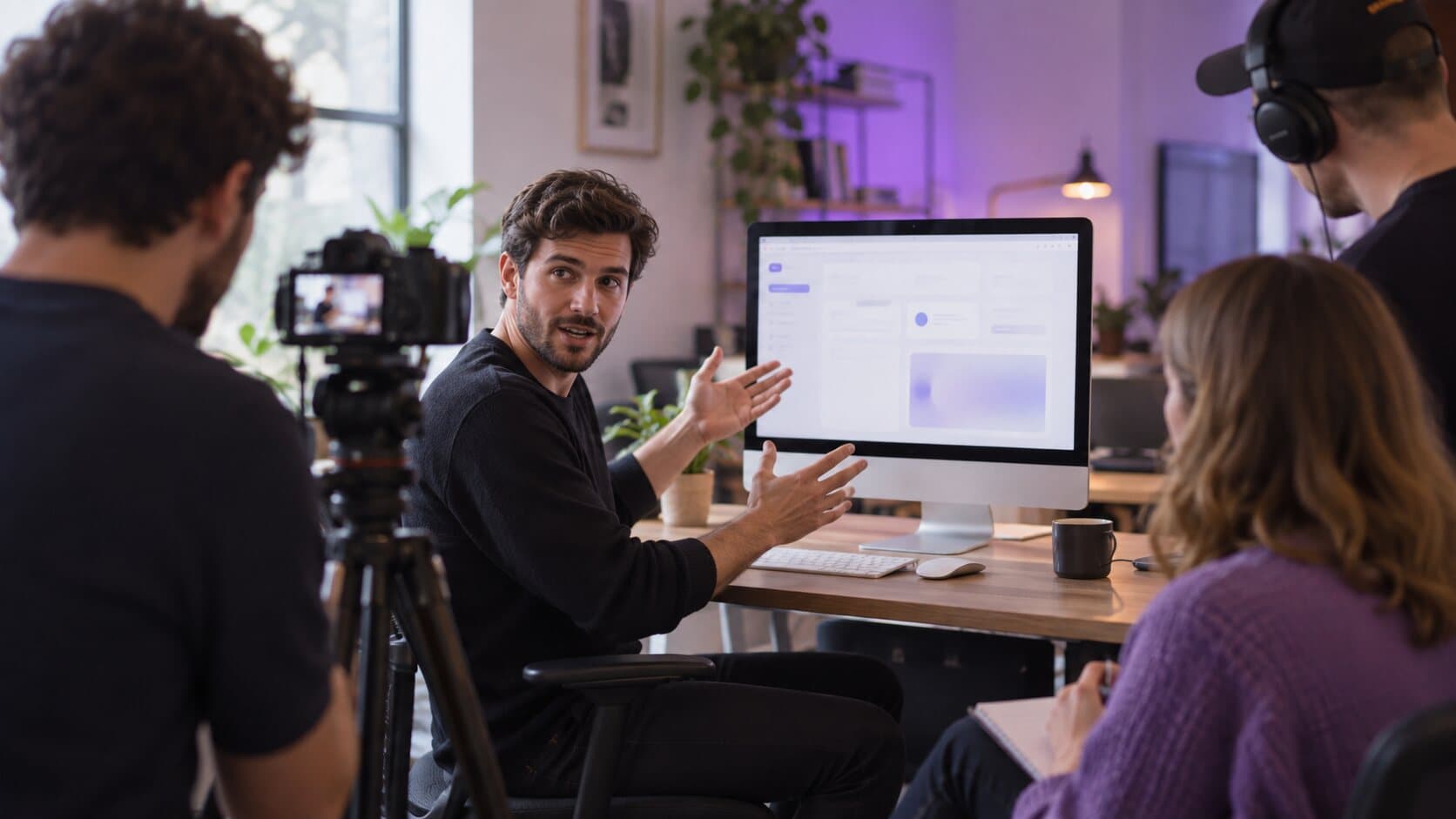
Video Marketing
How to Make a SaaS Launch Video From a Screen Recording (No Agency)
You do not need an agency or motion graphics to launch. A clear 60-second structure and a well-framed screen recording will carry a SaaS launch video.
6 min read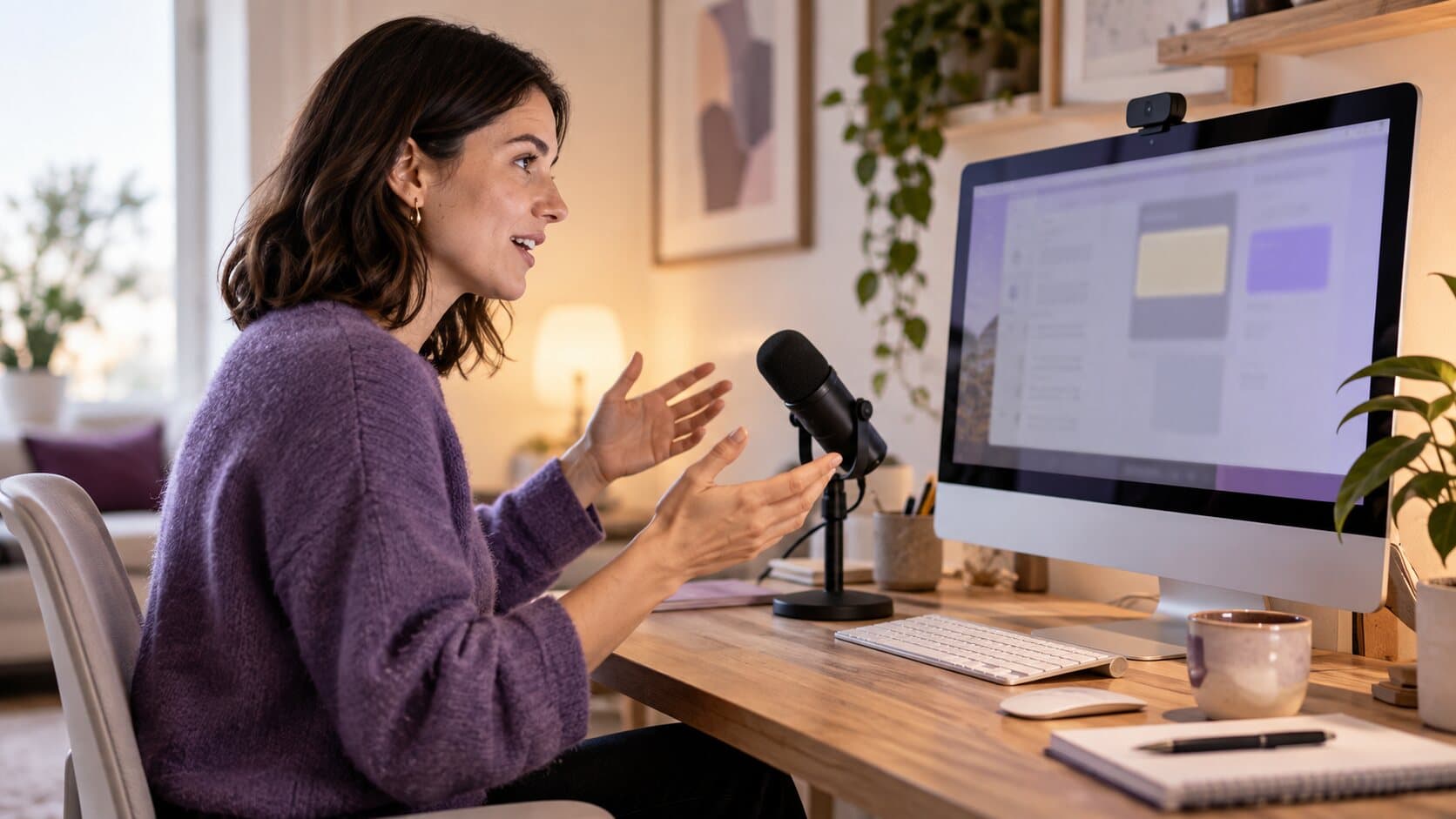
Video Marketing
How to Make Software Tutorial Videos Customers Actually Finish
Tutorials get abandoned when they are long, quiet and hard to follow. A repeatable method for short, clear software tutorials, with the settings that speed it up.
6 min read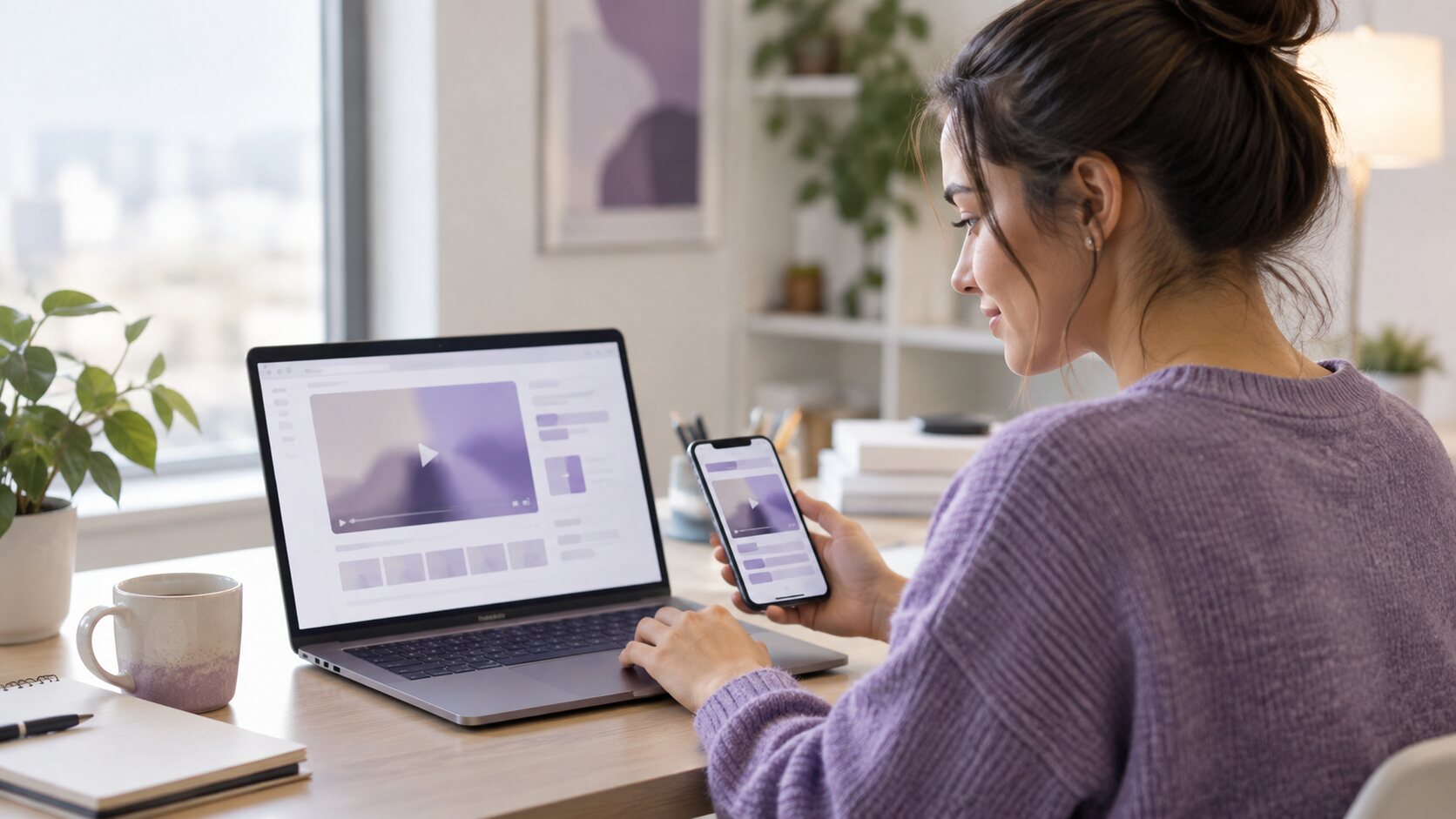
Video Marketing
Landing Page Product Videos: Show Your Product in 60 Seconds
A hero video has seconds to show what your product does. How to plan, record and export a 60-second landing page product video that works on mute.
7 min read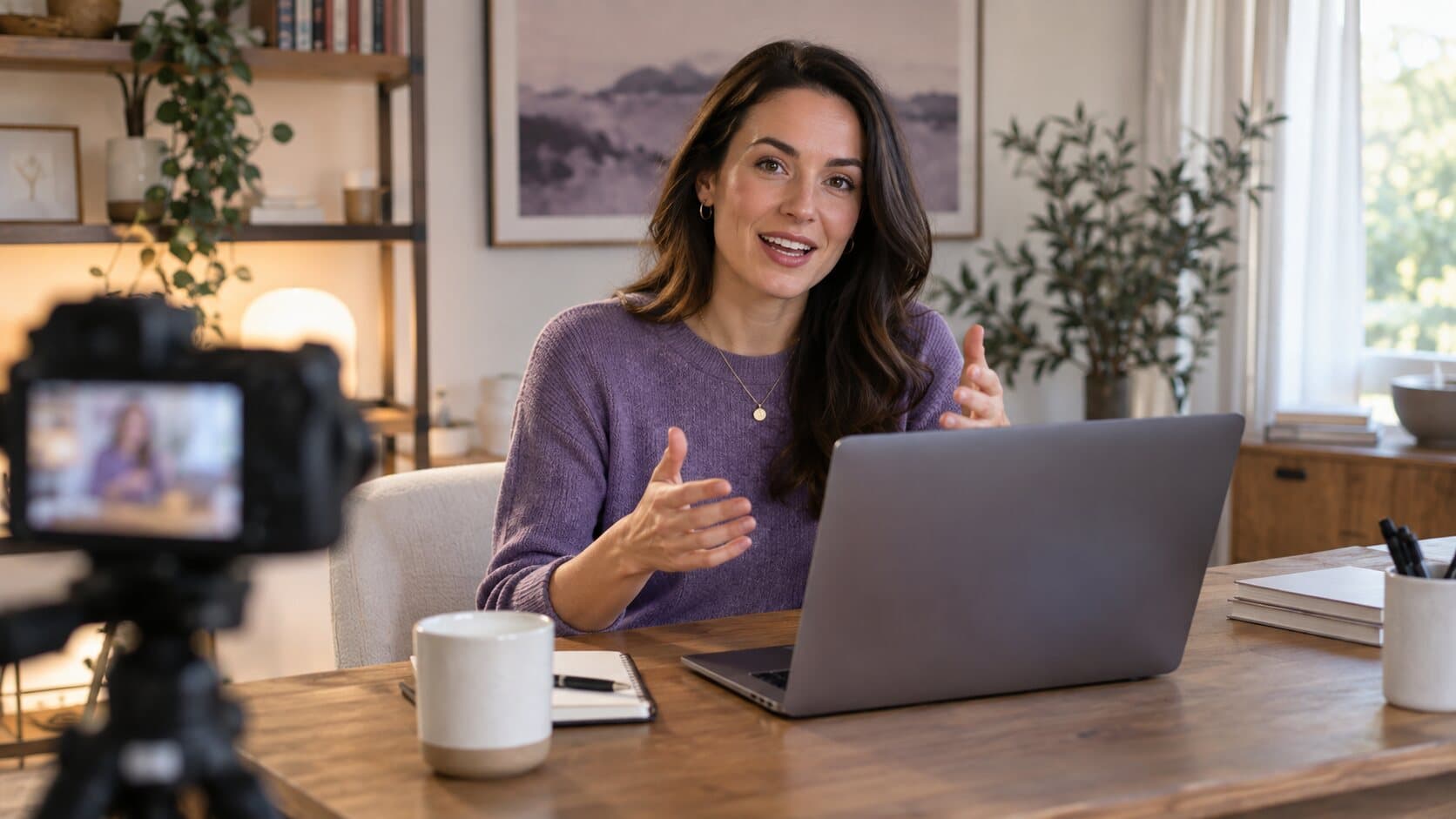
Video Marketing
Sales Demo Videos for Outbound: A Playbook for Personalised Async Demos
Prospects ignore paragraphs and dodge calendar links. Here is a repeatable way to send a short, personal demo video instead — and record it in one take.
6 min read
Video Marketing
Screen Recordings for Social Media Marketing: A Strategy for LinkedIn, X and Shorts
Your product is your best content and it is already on your screen. A practical system for turning short screen recordings into a steady social media presence.
6 min readVideo as a marketing channel for software
A screen recording is the cheapest honest way to show software working, which is why it sits behind most product demos, launch videos, onboarding sequences and outreach. The pillar article on video marketing strategy for software companies sets out the plan; the rest of this section goes deep on each format, from the product demo that converts to landing page videos and sales demos for outbound.
Record the next one properly
Install it, hit ⌥⌘R, and watch a take that would normally cost you an evening in a timeline come out finished.
macOS 13 Ventura or later · Apple Silicon and Intel