Product Features
The features that set ReScreen apart
What ReScreen does differently from other Mac screen recorders — automatic zoom, separate audio tracks, crash-safe capture and local-only recording.
Product Features
Why the Preview and the Exported File Are the Same Picture
A settings preview that is drawn by a different renderer than the export is a guess. ReScreen draws both with one compositor, so the tile you picked is the frame you get.
5 min read
Product Features
4K 60 FPS Screen Recording on Mac: Resolution, Codecs and Quality Explained
Blurry text and choppy scrolling come from the wrong settings, not the wrong Mac. Here is what resolution, frame rate, codec and quality actually do.
6 min read
Product Features
A Private, Offline Screen Recorder for Mac: Nothing Is Ever Uploaded
Screen recordings are the most sensitive video you make. Here is what a recorder that never uploads your footage looks like, and who needs one.
6 min read
Product Features
A Screen Recorder With a Built-In Editor: Cut the Take Without Leaving the App
The take is fine except for eleven seconds. ReScreen opens a timeline the moment you stop, so fixing it never means importing into another video editor.
6 min read
Product Features
Crash-Safe Screen Recording on Mac: Never Lose a Long Take Again
A recorder that writes one big file loses everything when something goes wrong. Here is how saving the take continuously, and offering to recover it, protects a long recording.
6 min read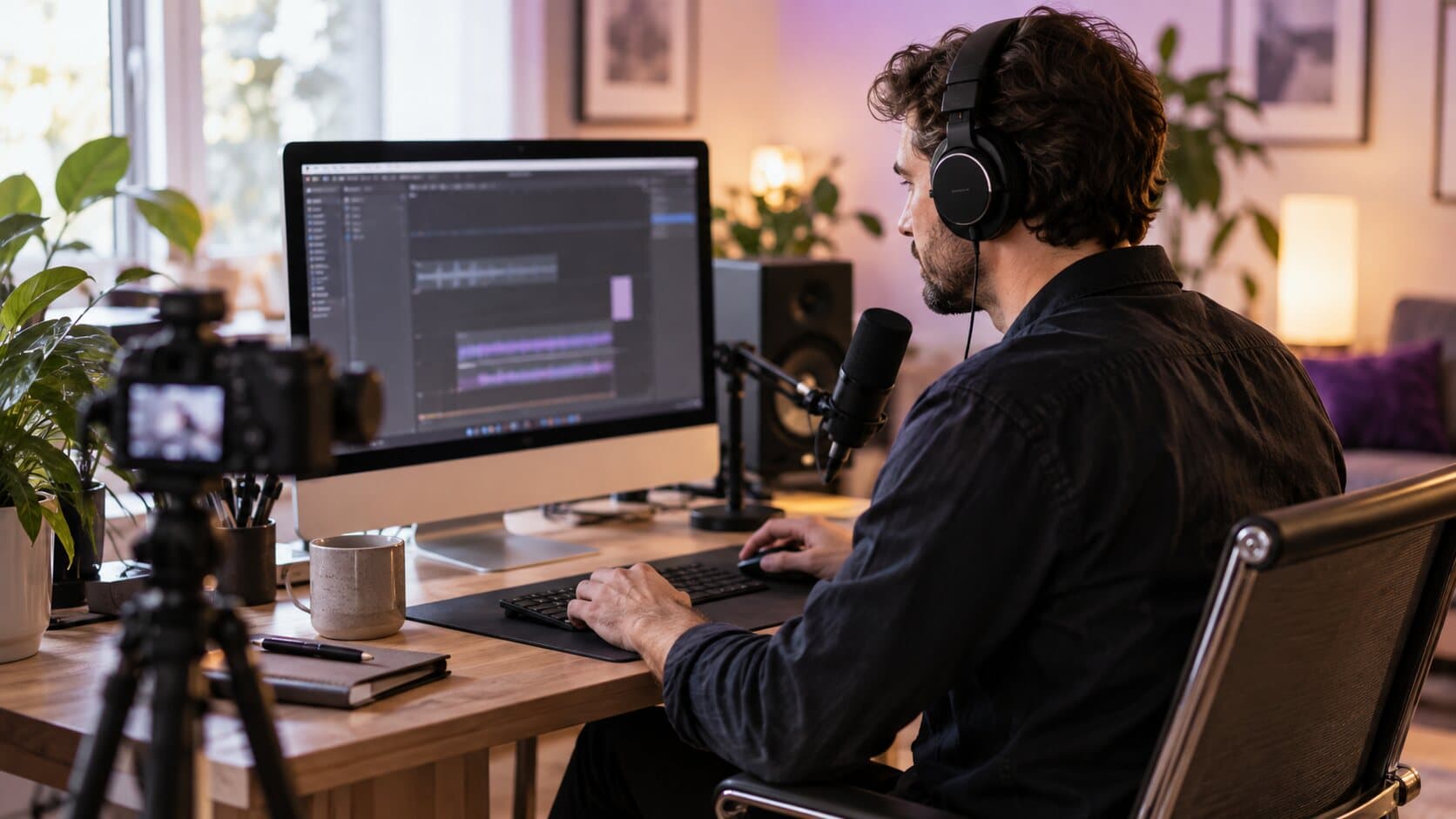
Product Features
How to Record System Audio on Mac Without a Virtual Audio Driver
Your Mac recording has your voice but not the app's sound. Here is why that happens, and how to capture system audio without a loopback driver.
6 min read
Product Features
Instant MP4 Screen Recording: A Playable File the Moment You Stop
Most recorders hand you a project, not a file. ReScreen writes a playable MP4 the moment a take stops, with no second encode.
6 min read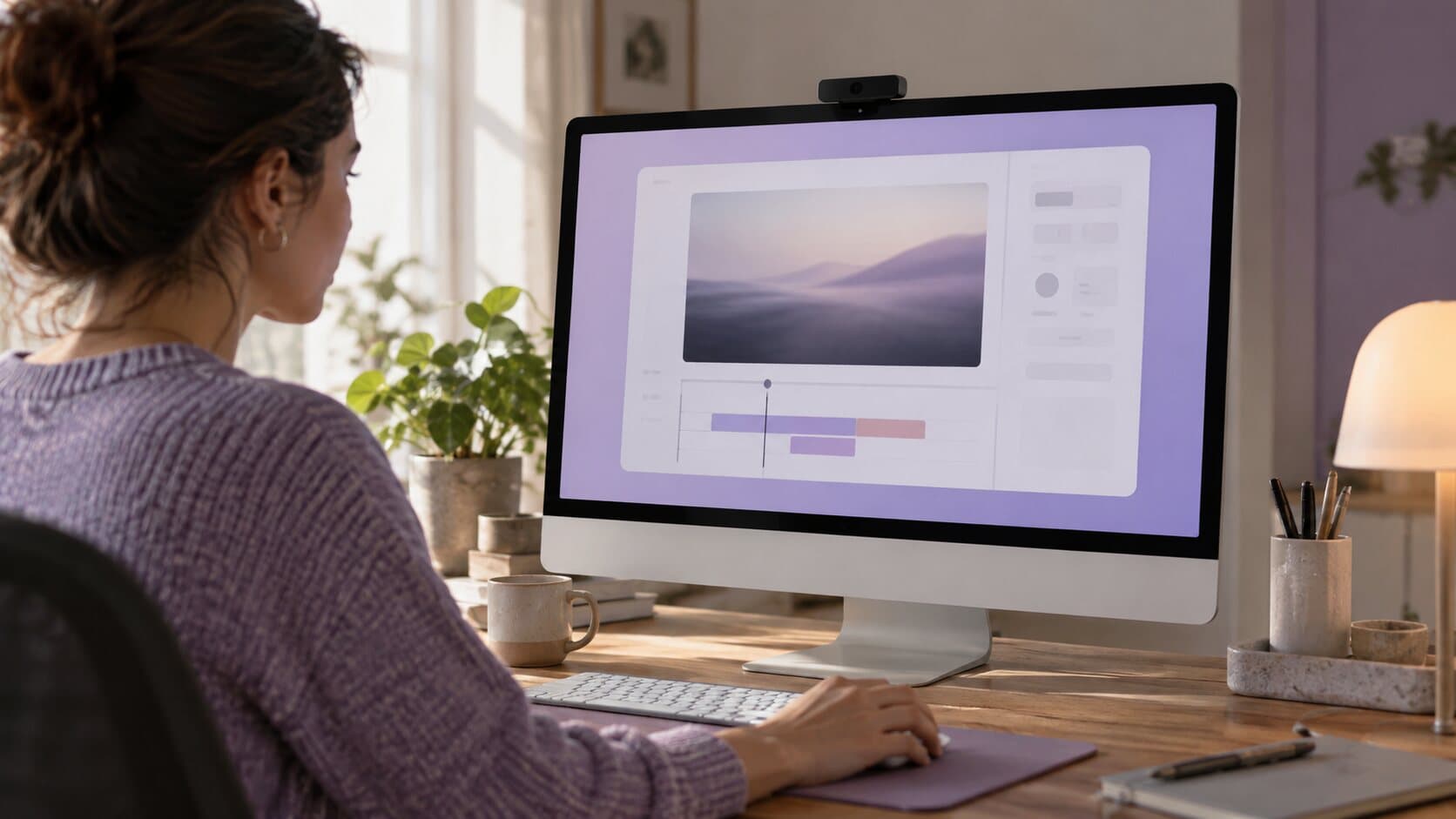
Product Features
Screen Recording Backgrounds and Padding: Make a Capture Look Designed
A raw capture reads as a screenshot that moves. Padding, rounded corners, a shadow and a background of your own make the same take look designed.
6 min read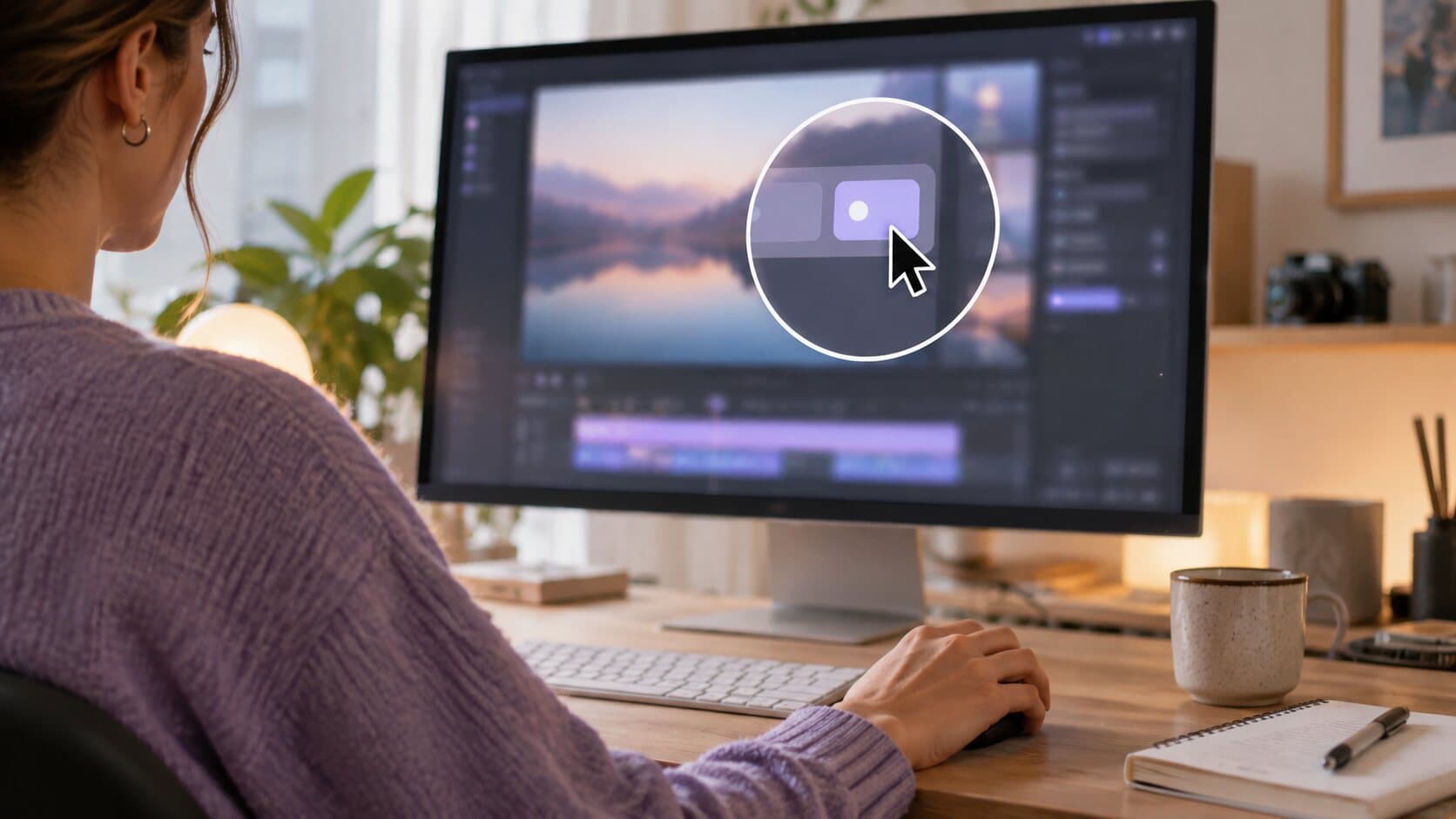
Product Features
The Auto Zoom Screen Recorder for Mac That Builds Zooms From Your Clicks
Viewers cannot read a 40-pixel button on a 4K capture. Here is how Smart Zoom builds editable zooms from your clicks, and who it saves the most time.
6 min read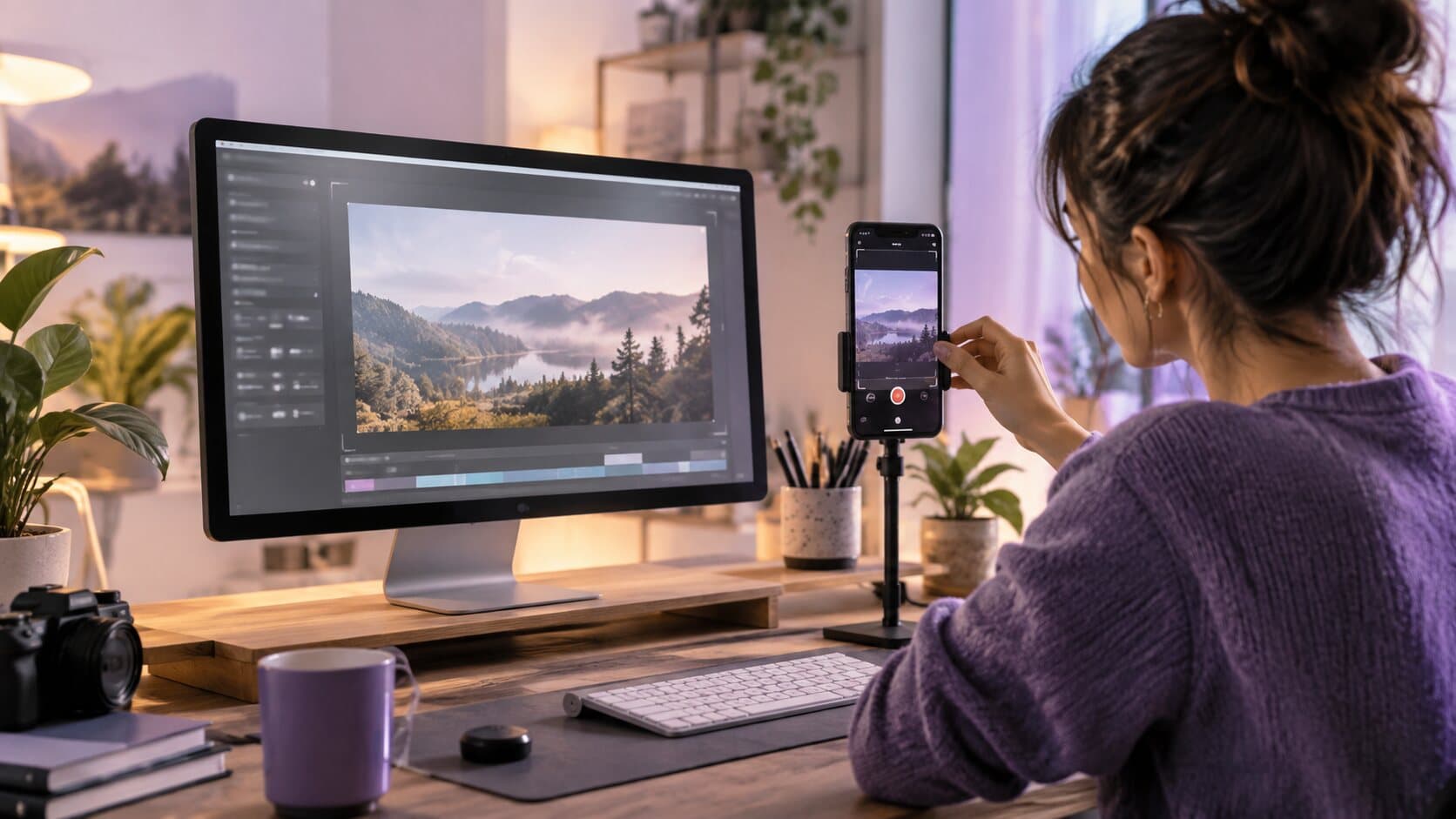
Product Features
Vertical Screen Recording for Shorts, Reels and TikTok From One Landscape Take
Your screen is wide and the feed is tall. ReScreen's vertical presets reframe one landscape recording into 9:16 and follow your pointer so the action stays in shot.
6 min read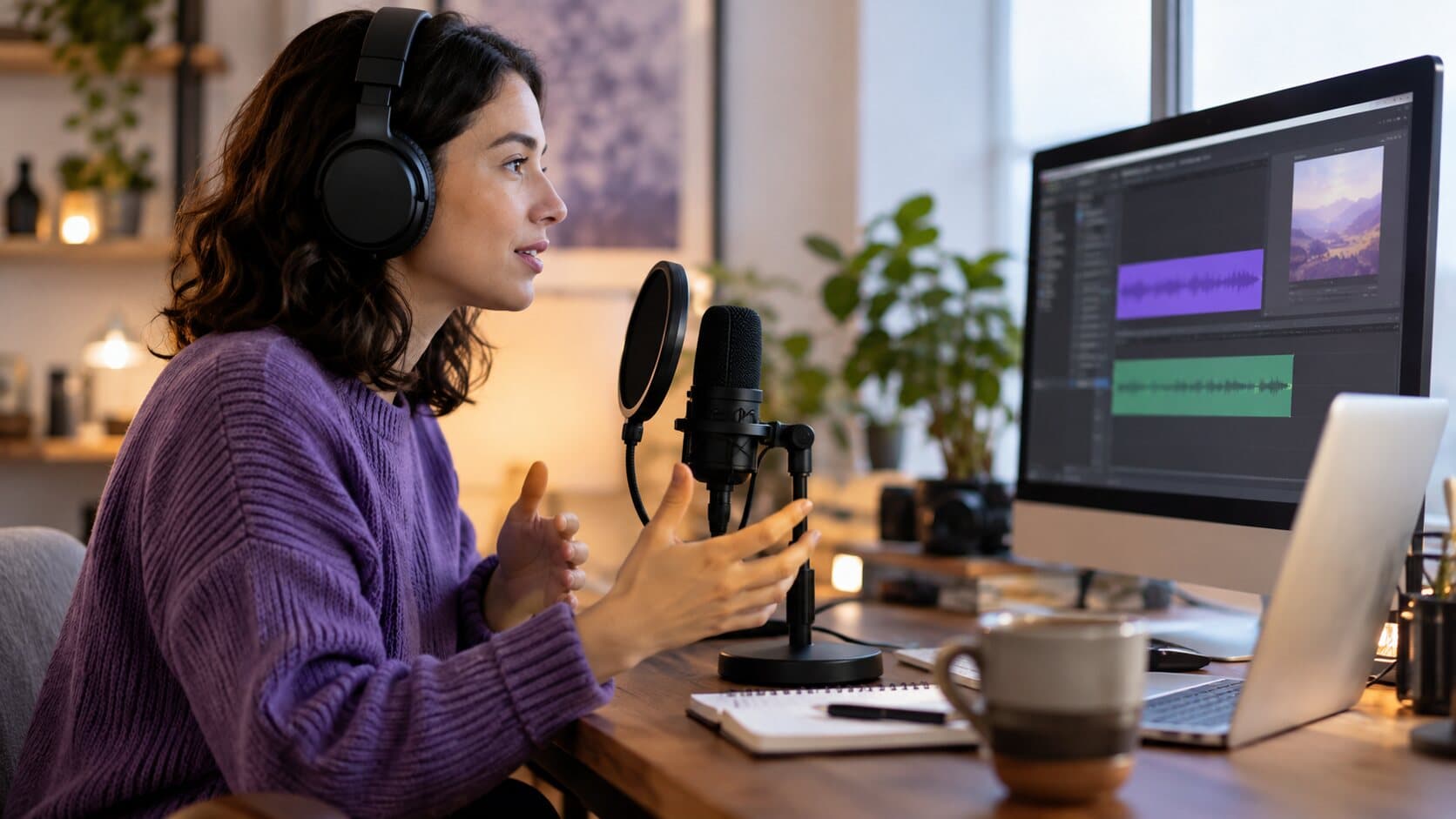
Product Features
Why Separate Audio Tracks Save Your Screen Recording
One flattened audio track means one loud ping can ruin a good take. Here is what recording mic and system audio separately lets you fix afterwards.
6 min readWhy these features exist
Every article here starts from a recording that went wrong — a viewer who could not see the click, a take lost to a crash, a voice drowned out by the app's own sound — and explains the part of ReScreen that was built to prevent it. Start with how auto zoom works for the feature most people ask about, or why a recording survives a crash if you record long sessions.
Each article links to the matching feature page, so you can read the explanation first and the specification second. The features overview lists every part of the app in one place.
Record the next one properly
Install it, hit ⌥⌘R, and watch a take that would normally cost you an evening in a timeline come out finished.
macOS 13 Ventura or later · Apple Silicon and Intel