Topic
Articles about education
Guides, comparisons and playbooks about education, from the team behind ReScreen, the native screen recorder and editor for Mac.

Product Features
Crash-Safe Screen Recording on Mac: Never Lose a Long Take Again
A recorder that writes one big file loses everything when something goes wrong. Here is how saving the take continuously, and offering to recover it, protects a long recording.
6 min read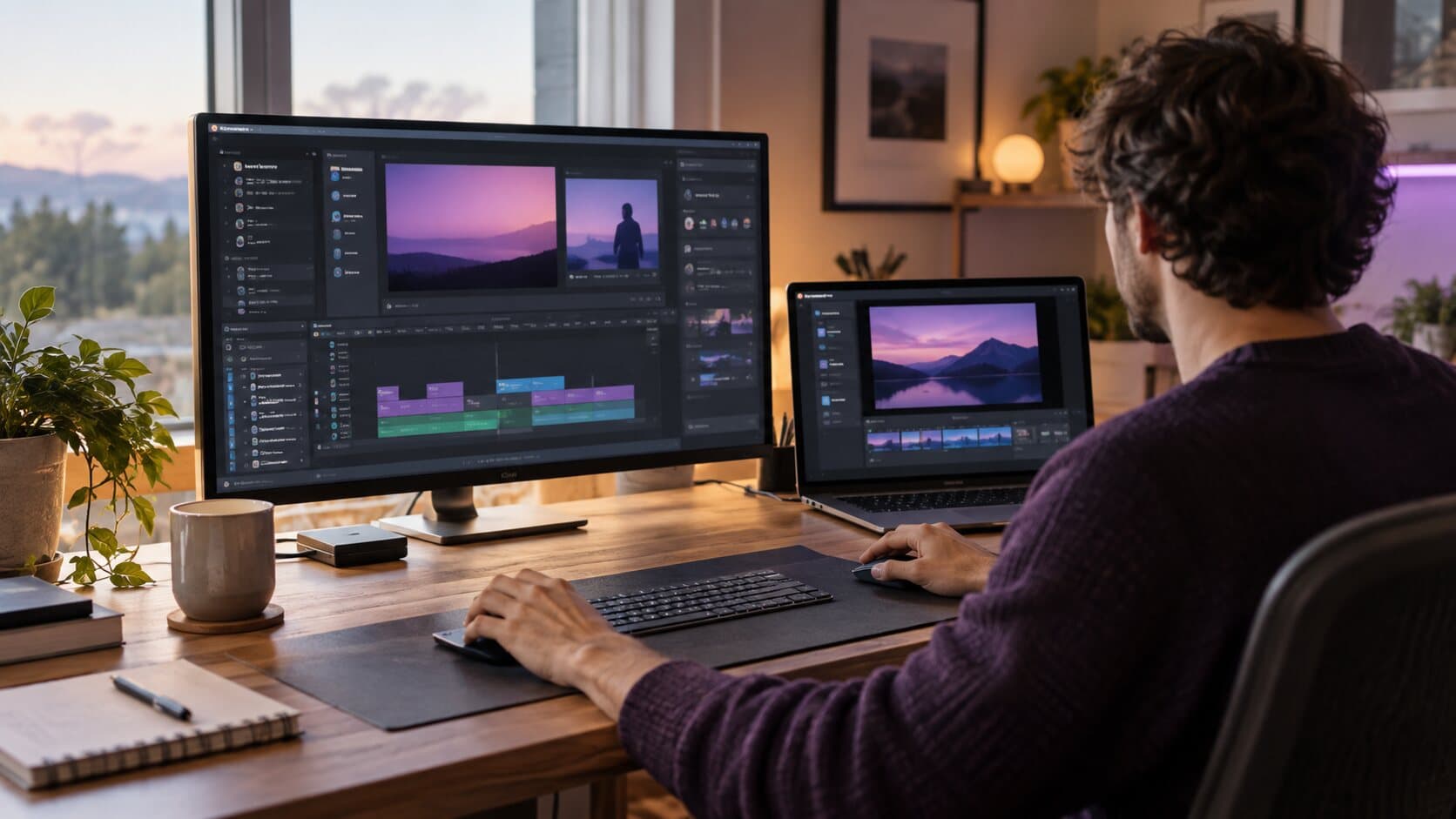
Comparisons
ReScreen vs Camtasia: A Full Production Suite or a Native Mac Recorder?
Camtasia is a broad production suite with annotations, quizzes and templates. ReScreen is a focused native Mac recorder. Here is which job each one fits.
6 min read
Use Cases
Screen Recording for Online Courses: Stop Losing Lessons and Hours to the Edit
Course creators lose lessons to crashes and weekends to editing. Here is a recording workflow that keeps forty lessons consistent, safe and quick to finish.
6 min read
Feature Guides
Webcam Overlay Shapes for Screen Recordings: Which Shape, Size and Position to Use
Circle or pill? 15% or 30%? A setting-by-setting guide to ReScreen's camera overlay, with values for tutorials, demos, social clips and courses.
6 min readAbout education articles
Teaching on screen is mostly about being followed. These articles cover screen recording for online courses, software tutorial videos and how to fix bad audio in a recording before students hear it.
Record the next one properly
Install it, hit ⌥⌘R, and watch a take that would normally cost you an evening in a timeline come out finished.
macOS 13 Ventura or later · Apple Silicon and Intel