Topic
Articles about reliability
Guides, comparisons and playbooks about reliability, from the team behind ReScreen, the native screen recorder and editor for Mac.

Product Features
A Private, Offline Screen Recorder for Mac: Nothing Is Ever Uploaded
Screen recordings are the most sensitive video you make. Here is what a recorder that never uploads your footage looks like, and who needs one.
6 min read
Product Features
Crash-Safe Screen Recording on Mac: Never Lose a Long Take Again
A recorder that writes one big file loses everything when something goes wrong. Here is how saving the take continuously, and offering to recover it, protects a long recording.
6 min read
Use Cases
How to Record Confidential Screens Safely When the Cloud Is Not an Option
Client data, NDA work, finance and health screens should not pass through a cloud recorder. Here is a local-only recording workflow for Mac.
6 min read
Use Cases
Screen Recording for Online Courses: Stop Losing Lessons and Hours to the Edit
Course creators lose lessons to crashes and weekends to editing. Here is a recording workflow that keeps forty lessons consistent, safe and quick to finish.
6 min read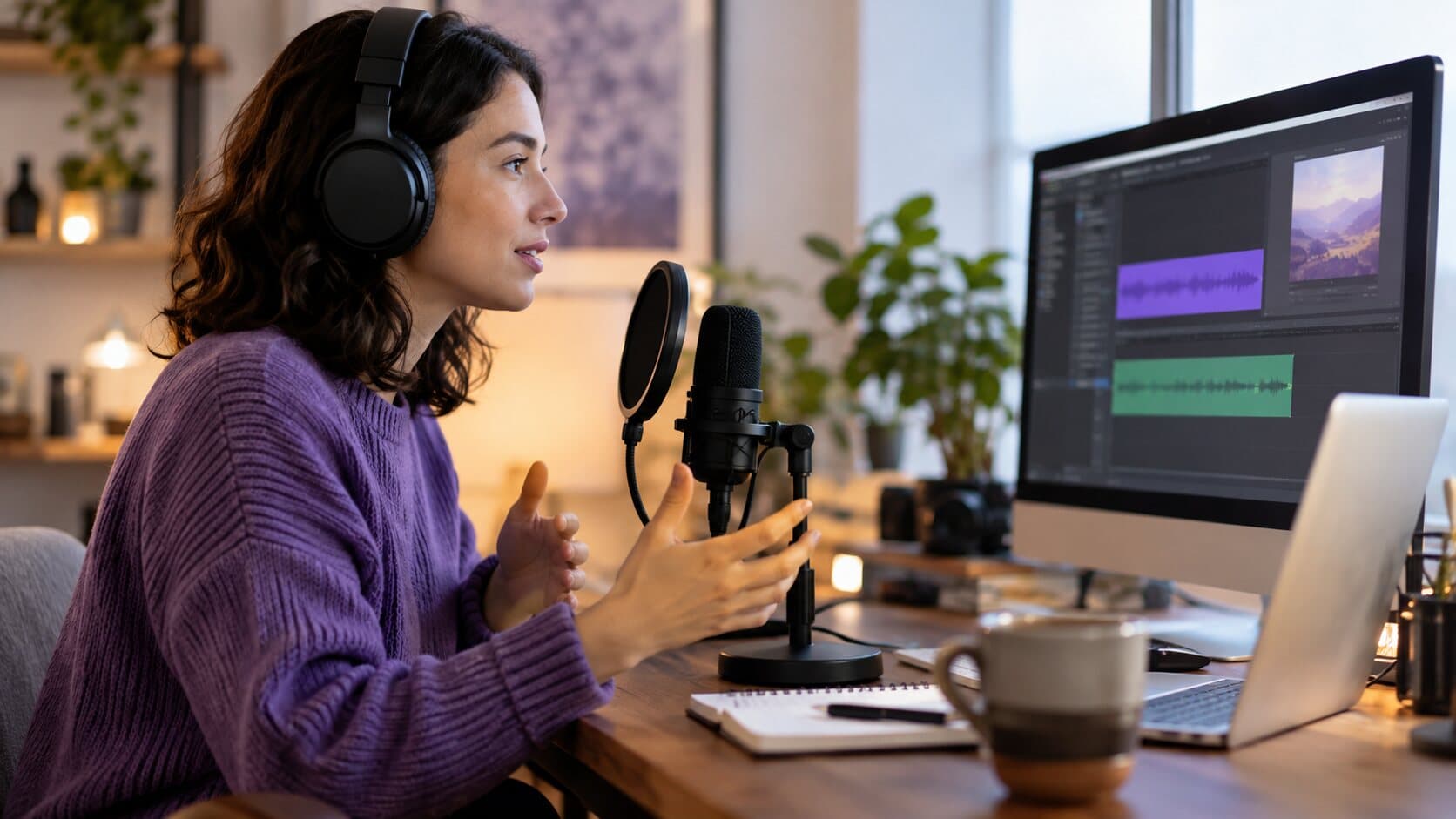
Product Features
Why Separate Audio Tracks Save Your Screen Recording
One flattened audio track means one loud ping can ruin a good take. Here is what recording mic and system audio separately lets you fix afterwards.
6 min readAbout reliability articles
A long recording is only worth making if it survives. These articles cover crash-safe screen recording on a Mac, what happens to a take when a disk fills or a battery dies, and the crash recovery feature behind it. The recorded lessons in screen recording for online courses are where it matters most.
Record the next one properly
Install it, hit ⌥⌘R, and watch a take that would normally cost you an evening in a timeline come out finished.
macOS 13 Ventura or later · Apple Silicon and Intel