Two tracks, two faders
Microphone and system audio each keep their own volume, mute and fades, so turning down a loud interface sound leaves your narration exactly where it was.
Audio cleanup
Your voice and the app’s audio stay on separate tracks, so a quiet narration, a loud notification or a humming room is a slider rather than a re-take.
The problem
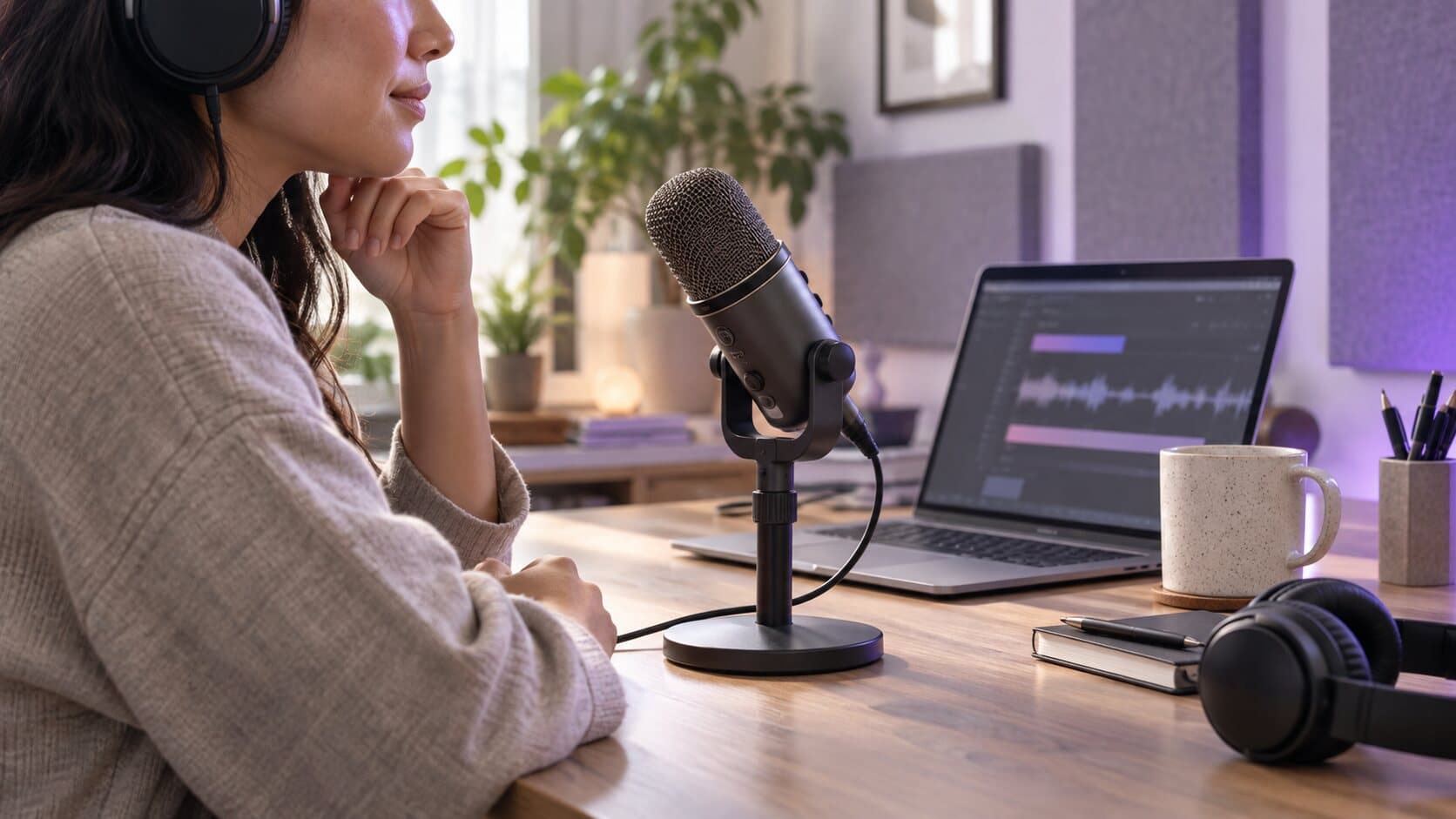
The picture is perfect and the sound is a mess. Your voice is a murmur, the app chimes at full volume over the one sentence that mattered, and a fan runs underneath all of it — flattened into a single track nobody can unpick.
What happens instead
Microphone and system audio are captured apart and stay apart. Set each level, fade either one at a cut, and switch on a high-pass filter, a noise gate, voice levelling and compression for the track that needs them — the app’s audio is never touched by what you do to your voice.
In detail
Microphone and system audio each keep their own volume, mute and fades, so turning down a loud interface sound leaves your narration exactly where it was.
A high-pass filter and a soft noise gate for room tone, levelling for a voice that wanders, compression for the peaks — applied to the track that needs them and to no other.
Processing happens while the project plays and exports. The captured audio stays exactly as it arrived, so a decision you make today can be undone next month.
The editor plays the mix you are building, at the levels the export will use, so the balance is something you listened to rather than something you discover after a render.
Specifications
ReScreen keeps your microphone and the system audio on separate tracks and mixes them only when you play or export. That is what a multitrack audio screen recorder means in practice: each track has its own volume, mute, fade in and fade out, and the cleanup you switch on for your voice never touches the sound of the app.
People search for this in many shapes: a screen recorder with mic audio, with system audio, with sound, with audio mixing, or simply a screen audio recorder. They are the same need. You want to record the screen and sound together and still be able to fix either afterwards. The feature page on camera and audio covers the capture side.
The cleanup is deliberately modest and lives on the microphone track. Reduce background noise applies a high-pass filter and a soft noise gate, which quiet steady room noise between words. Level voice volume evens out a voice that wanders, and Voice enhancement, Light or Strong, adds a firmer filter and gate and holds the loudest peaks down. System audio has its own volume, mute and fades. A fan, an air conditioner or a hum is the kind of problem it handles well.
It is not neural speech isolation and it does not cancel acoustic echo. If you record the microphone and the speakers together, wear headphones. How to remove background noise from a video is honest about what a gate can and cannot do, and how to fix bad audio in screen recordings is the step-by-step version.
Switch on microphone and system audio before recording, record, and open the take in the editor: the two appear as independent controls. For the reasoning, why separate audio tracks save your screen recording goes through the cases, and record microphone and system audio separately on a Mac shows the settings.
FAQ
Yes, on the track that needs it. A high-pass filter and a soft noise gate take out steady room noise — a fan, a hum, an air conditioner — and leave the other track alone. It works on the take you already have, because the cleanup is applied when the project plays and exports rather than when it was captured.
No. It is a high-pass filter, a soft noise gate, voice levelling and compression, running on your Mac. It will not lift your voice out of a conversation happening behind you, and it does not cancel the echo of your own speakers, which is why headphones are worth wearing when you record system audio and talk at the same time.
Yes. The two are separate tracks, so you raise the microphone, lower the system audio, or both, and export. One flattened track is the case that cannot be repaired afterwards, and avoiding it is why the capture keeps them apart in the first place.
Yes, both, on the microphone track. A high-pass filter removes low rumble and a soft noise gate quiets steady room noise between words. Voice levelling and compression are available too, and each is a switch you turn on only when the recording needs it.
No. Inside the project, microphone and system audio stay separate so you can mix and repair them. The exported MP4 or MOV carries one mixed audio track at the levels you set, which is what a video player expects.
Keep reading
Camera, microphone and system audio are captured as independent tracks, so fixing one never damages another.
Read moreSplitting, trimming, ripple deletes and per-section speed, without exporting into another application first.
Read moreUp to 4K at 30 or 60 FPS, MP4 or MOV, H.264 or HEVC — plus a playable MP4 written the moment you stop.
Read moreFrom the blog
How-To Guides
A Mac can record your voice with two apps you already have. Here is how each works, how to capture the sound the Mac plays, and when audio-only is the wrong tool.
5 min read
How-To Guides
Steady noise like a fan or a hum can be reduced after the fact. A voice in the next room cannot. Here is how to tell the difference and what to do about each.
6 min read
How-To Guides
A Mac screen recording can have your voice, the app's sound, both or neither. Here is what each built-in route captures, and how to get the sound you meant to.
5 min read
Comparisons
Cap is open source, cross-platform and free for personal use. Here is exactly where that is the right answer, and the three places ReScreen still differs.
5 min read
Comparisons
Both zoom into your clicks and put the recording on a background. One of them is also the best screenshot tool on the Mac, and that is the decision.
6 min read
Use Cases
A quiet voice, a deafening notification and a humming fan are three different problems. Here is why one flattened track hides them, and how to fix each.
6 min read
Product Features
One flattened audio track means one loud ping can ruin a good take. Here is what recording mic and system audio separately lets you fix afterwards.
6 min readInstall it, hit ⌥⌘R, and watch a take that would normally cost you an evening in a timeline come out finished.
macOS 13 Ventura or later · Apple Silicon and Intel