Smoothed, not jittery
The rendered path is smoothed by an adjustable amount, so a hand that shakes on a trackpad does not make the viewer seasick.
Cursor & clicks
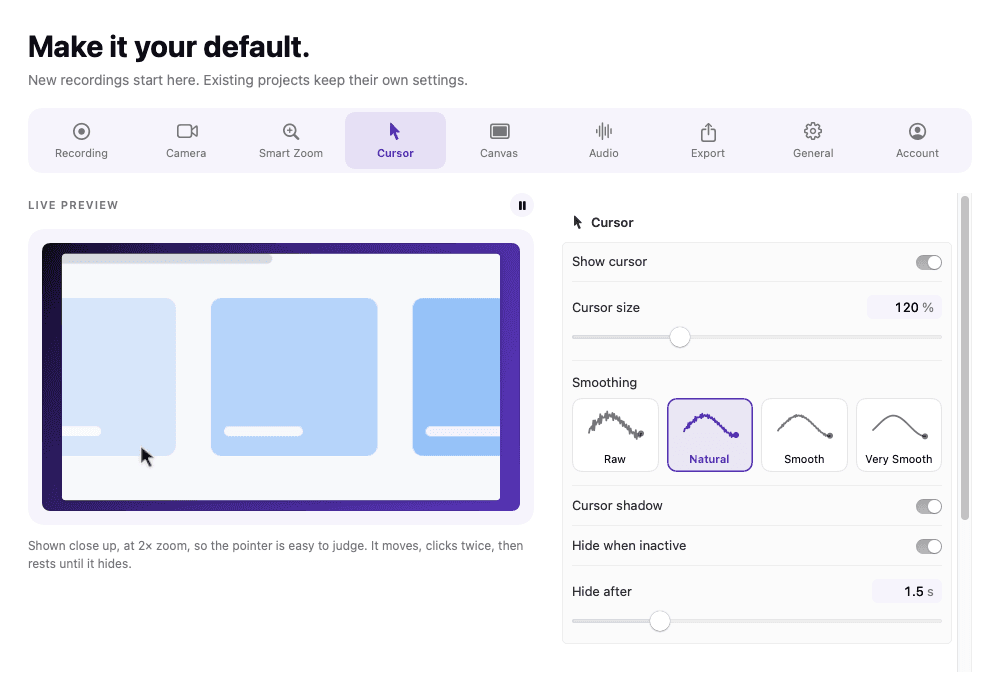
Size, smoothing, idle fade and click effects — drawn from recorded events rather than burned into the capture.
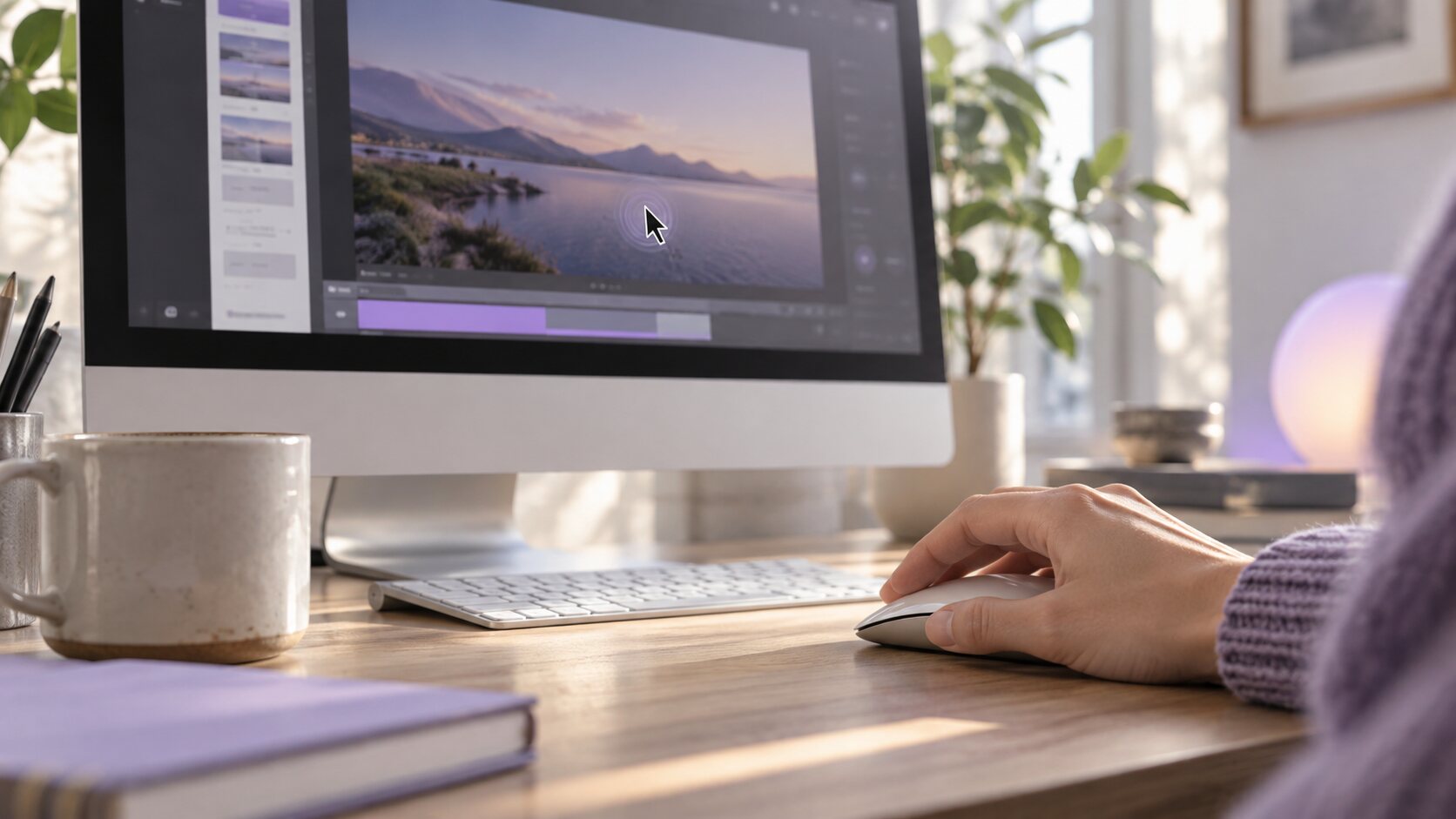
The problem
Played at 1080p on somebody’s phone, the macOS pointer is four grey pixels. Viewers rewind, guess, and give up exactly where you were explaining the part that mattered.
What happens instead
Cursor movement and clicks are recorded as events while you record, so the editor can draw a larger, smoothed pointer, fade it when nothing is happening, and mark every click after the fact.
In detail
The rendered path is smoothed by an adjustable amount, so a hand that shakes on a trackpad does not make the viewer seasick.
An idle pointer dims out of the way instead of parking on top of the sentence your viewer is reading.
Every click can carry a visible effect, so a viewer without audio still knows precisely when something was pressed.
Where macOS exposes the appearance, the original cursor image is captured and used, so a resize handle still looks like a resize handle.
In the app
Captured from the application itself, at the size it actually draws.
Specifications
The macOS pointer is a few pixels wide, which is invisible on a phone. ReScreen draws a larger one from the recorded cursor events, smooths its path by an amount you set, fades it when nothing is happening and marks every click with an effect in the colour you choose. Because that is rendered from events rather than burned into the capture, you can restyle it after the take.
That answers the family of questions people ask: how to highlight the mouse pointer in a video, how to show clicks in a screen recording, how to capture the screen with the cursor visible, and how to smooth a jittery mouse path. They are one setting group, and cursor smoothing and click effects: a guide to every setting gives recommended values for each.
The cursor effects are drawn from recorded events at playback and export, not by processing the capture while you record, so the recorder itself has nothing extra to do during the take. If you want the smallest possible setup, switch the effects off and the capture is the same one without them.
The cursor is drawn at the resolution you export, so it stays sharp at 4K. Pair it with a zoom: a click effect tells the viewer what you pressed, and Smart Zoom makes it big enough to read. If a viewer says they cannot see what you click, viewers can't see what you click lists the five fixes in order of effort.
FAQ
macOS only reports clicks to an app that holds that permission. Without it recording still works; click detection, drag tracking and Smart Zoom do not.
No. The capture keeps the system pointer and the styled cursor is rendered from the recorded events, which is why size, smoothing and click effects can still be changed after the take.
Open the Cursor settings and increase the size, then switch on a click effect and choose its colour. The pointer and clicks are drawn from recorded events, so you can change them on any project after the take without recording again.
Yes. Cursor smoothing redraws the pointer's path with an adjustable amount of smoothing, so a trackpad jitter does not make the viewer seasick. The setting is applied at playback and export, so you can tune it while watching the preview.
Keep reading
ReScreen watches where you click, drag and scroll, then pans and zooms the way an editor would — while you are still recording.
Read moreA display, a single window, one application, or a region you draw — at the pixel density the screen actually has.
Read moreUp to 4K at 30 or 60 FPS, MP4 or MOV, H.264 or HEVC — plus a playable MP4 written the moment you stop.
Read moreFrom the blog
Feature Guides
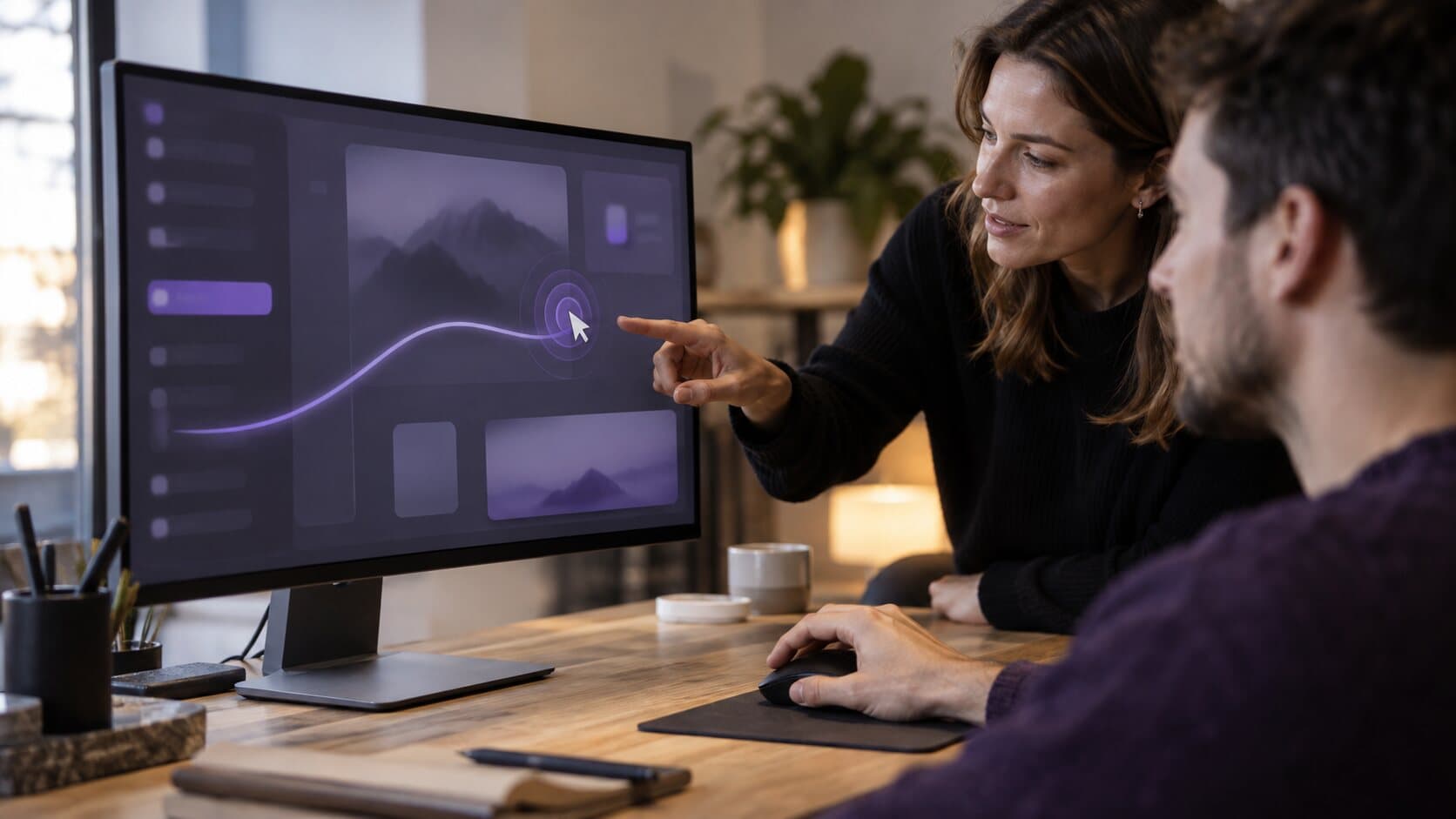
A setting-by-setting guide to making the pointer readable: size, smoothing, idle hide, click effects and click colour, with values for each kind of video.
6 min read
Video Marketing
New customers rarely leave because the product is bad. They leave because they never reached the part that is good. Short onboarding videos get them there.
6 min read
Video Marketing
Tutorials get abandoned when they are long, quiet and hard to follow. A repeatable method for short, clear software tutorials, with the settings that speed it up.
6 min read
Feature Guides
What each Smart Zoom control in ReScreen does, what it defaults to, and the values worth using for tutorials, product demos, social clips and courses.
6 min read
Product Features
Viewers cannot read a 40-pixel button on a 4K capture. Here is how Smart Zoom builds editable zooms from your clicks, and who it saves the most time.
6 min read
Use Cases
Tiny buttons, a four-pixel pointer and silent clicks: why screen recordings become unreadable on small players, and the fixes that do not mean re-recording.
6 min readInstall it, hit ⌥⌘R, and watch a take that would normally cost you an evening in a timeline come out finished.
macOS 13 Ventura or later · Apple Silicon and Intel