Topic
Articles about smart zoom
Guides, comparisons and playbooks about smart zoom, from the team behind ReScreen, the native screen recorder and editor for Mac.
Product Features
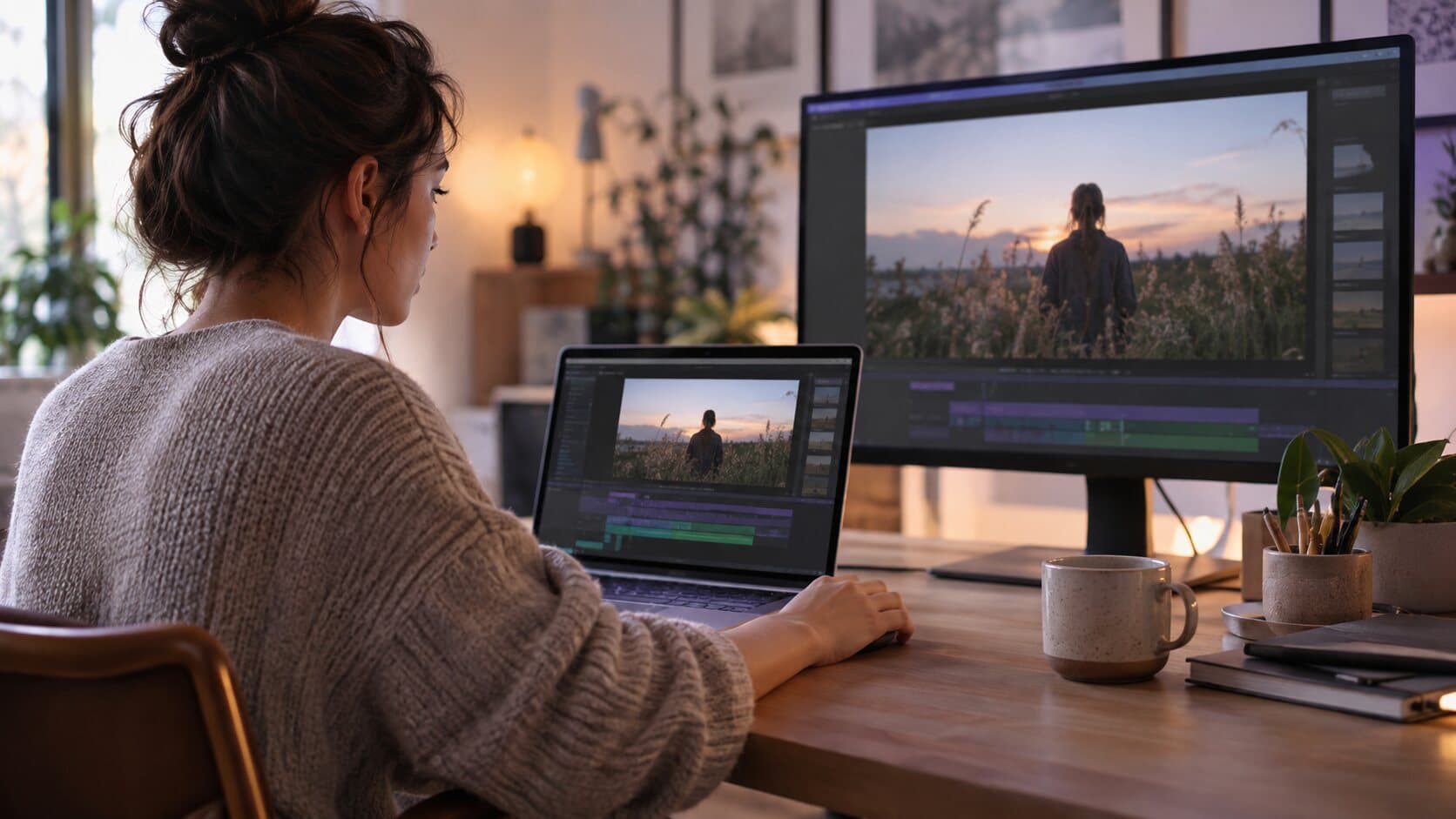
Why the Preview and the Exported File Are the Same Picture
A settings preview that is drawn by a different renderer than the export is a guess. ReScreen draws both with one compositor, so the tile you picked is the frame you get.
5 min read
Use Cases
How to Edit Screen Recordings Faster: Stop Spending Three Hours on a Five-Minute Video
A five-minute screen recording should not cost an afternoon. Here is where the editing time really goes, and a record-to-export workflow that removes it.
6 min read
Video Marketing
How to Make a Product Demo Video That Converts
Most demo videos are feature tours nobody finishes. Here is how to plan and script a short demo around one outcome, with a five-beat script you can copy.
8 min read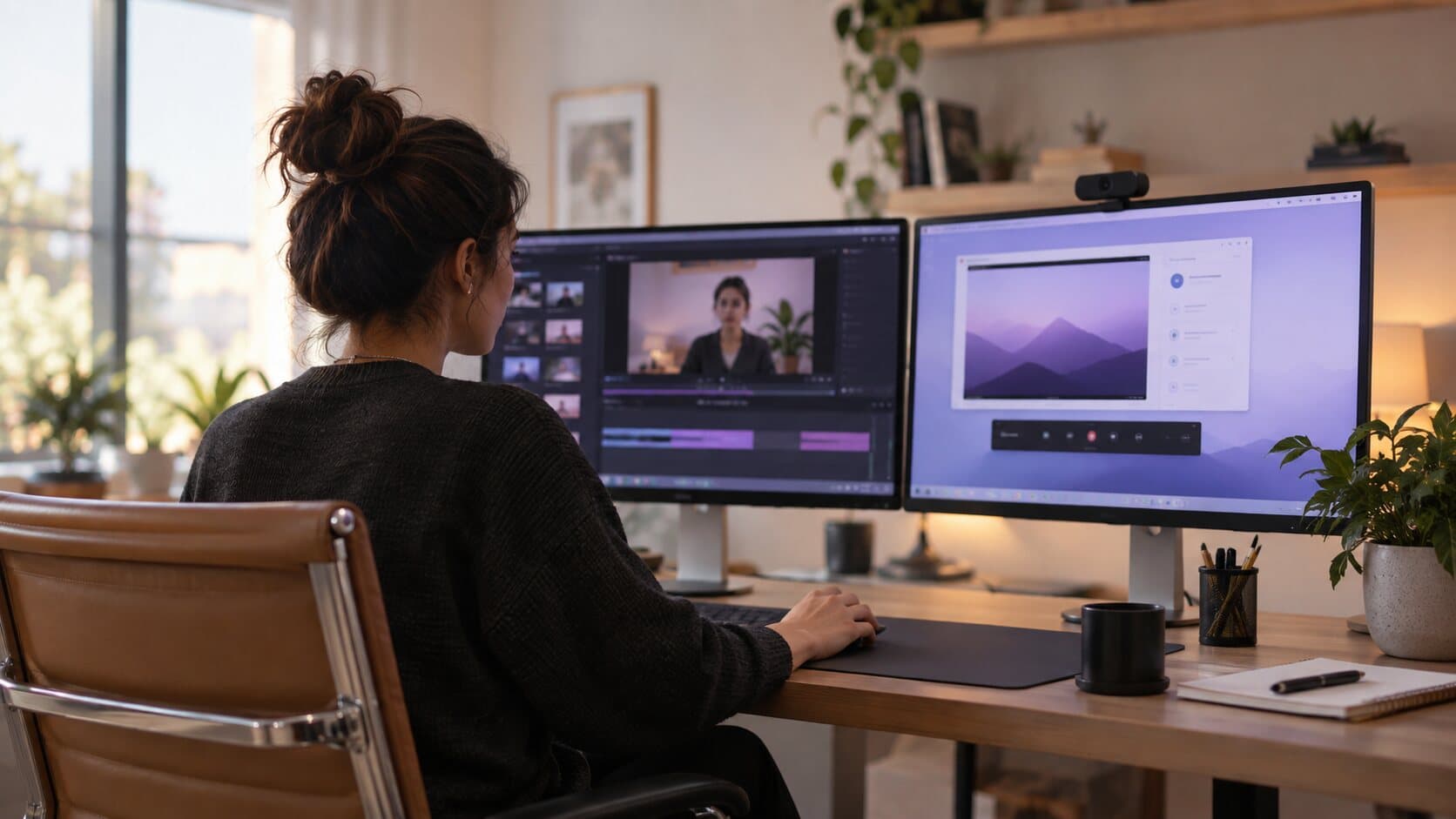
Comparisons
ReScreen vs Screen Studio: An Honest Comparison for Mac Users
Both record your Mac screen and zoom in for you. The differences are in the details: audio tracks, crash recovery, sharing, GIFs and how you pay.
5 min read
Use Cases
Screen Recording for Developers: Bug Reports, PR Demos and Walkthroughs People Can Follow
Bug reports nobody can reproduce, PR demos nobody can read. A practical Mac workflow for developer screen recordings that reviewers can follow.
6 min read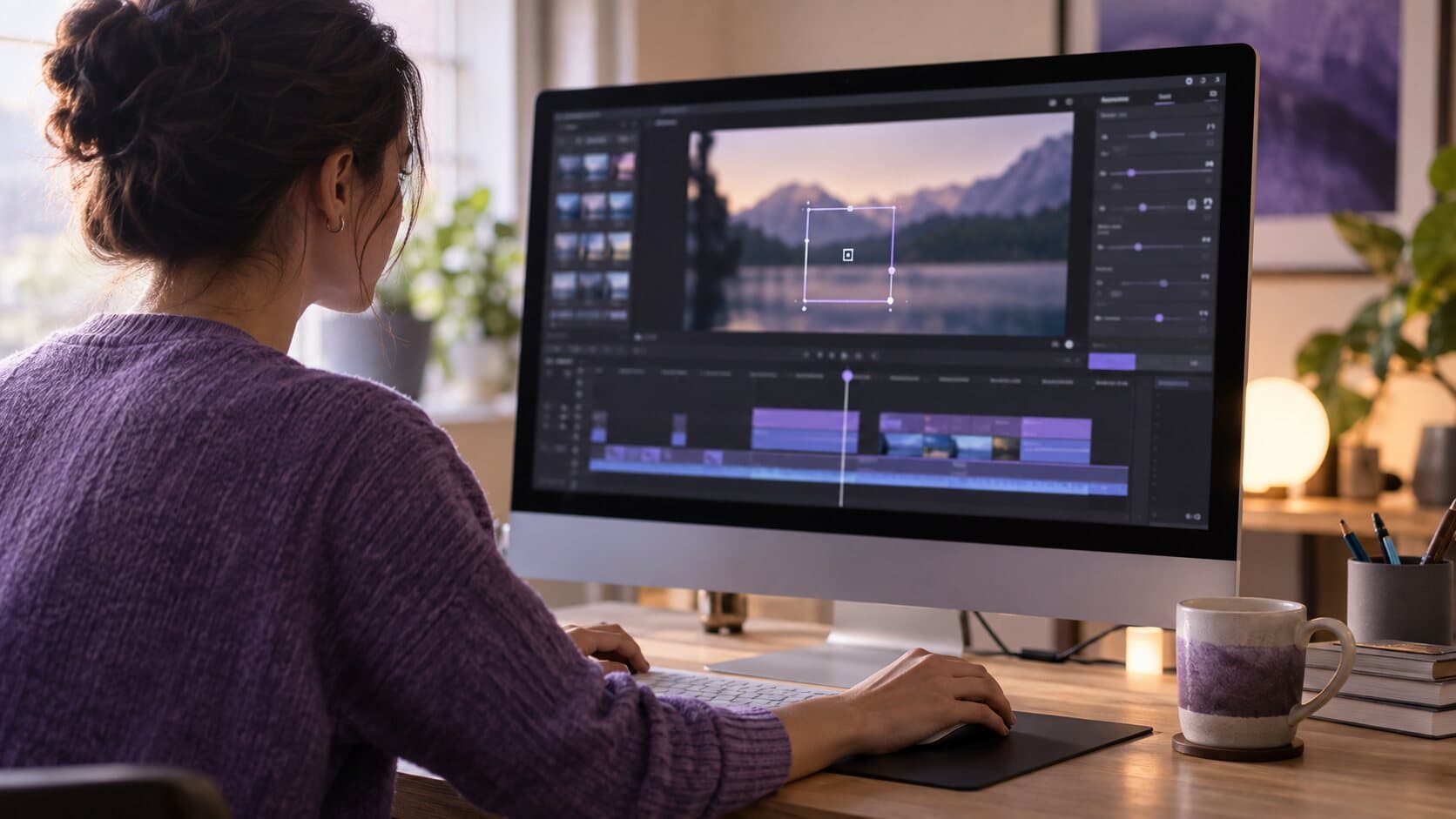
Feature Guides
Smart Zoom Settings Explained: Every Control, Default and Recommended Value
What each Smart Zoom control in ReScreen does, what it defaults to, and the values worth using for tutorials, product demos, social clips and courses.
6 min read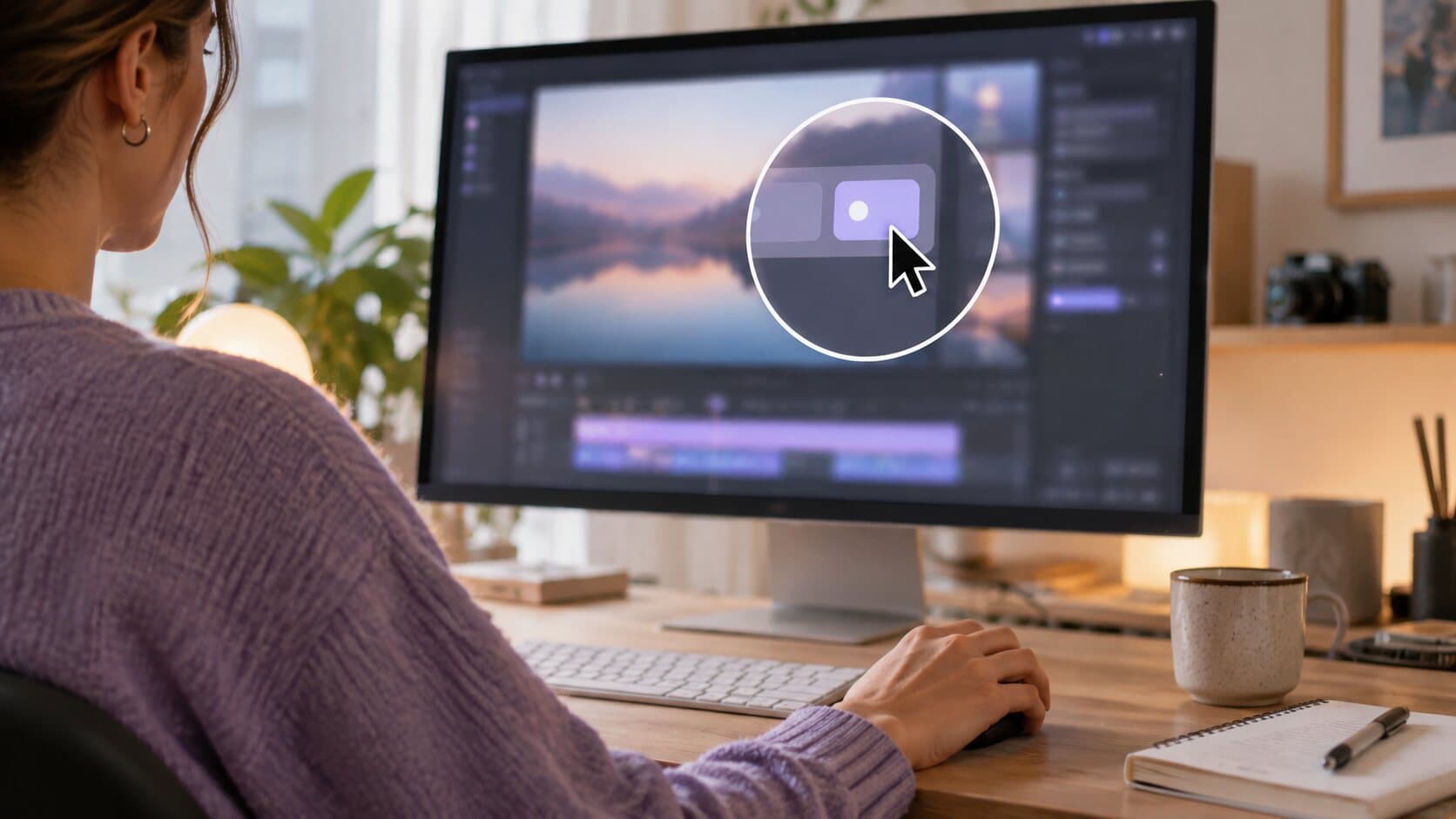
Product Features
The Auto Zoom Screen Recorder for Mac That Builds Zooms From Your Clicks
Viewers cannot read a 40-pixel button on a 4K capture. Here is how Smart Zoom builds editable zooms from your clicks, and who it saves the most time.
6 min read
Use Cases
Viewers Can't See What You Click? How to Fix Unreadable Screen Recordings
Tiny buttons, a four-pixel pointer and silent clicks: why screen recordings become unreadable on small players, and the fixes that do not mean re-recording.
6 min readAbout smart zoom articles
Smart Zoom is ReScreen's automatic zoom: clicks, drags and scrolls become editable zoom blocks, so a viewer can read the button you pressed. These articles explain how an auto zoom screen recorder decides where to zoom, tune every Smart Zoom timing and easing, and show where a zoom matters most, such as a product demo. The feature itself is on the Smart Zoom page.
Record the next one properly
Install it, hit ⌥⌘R, and watch a take that would normally cost you an evening in a timeline come out finished.
macOS 13 Ventura or later · Apple Silicon and Intel