Topic
Articles about tutorials
Guides, comparisons and playbooks about tutorials, from the team behind ReScreen, the native screen recorder and editor for Mac.
Comparisons
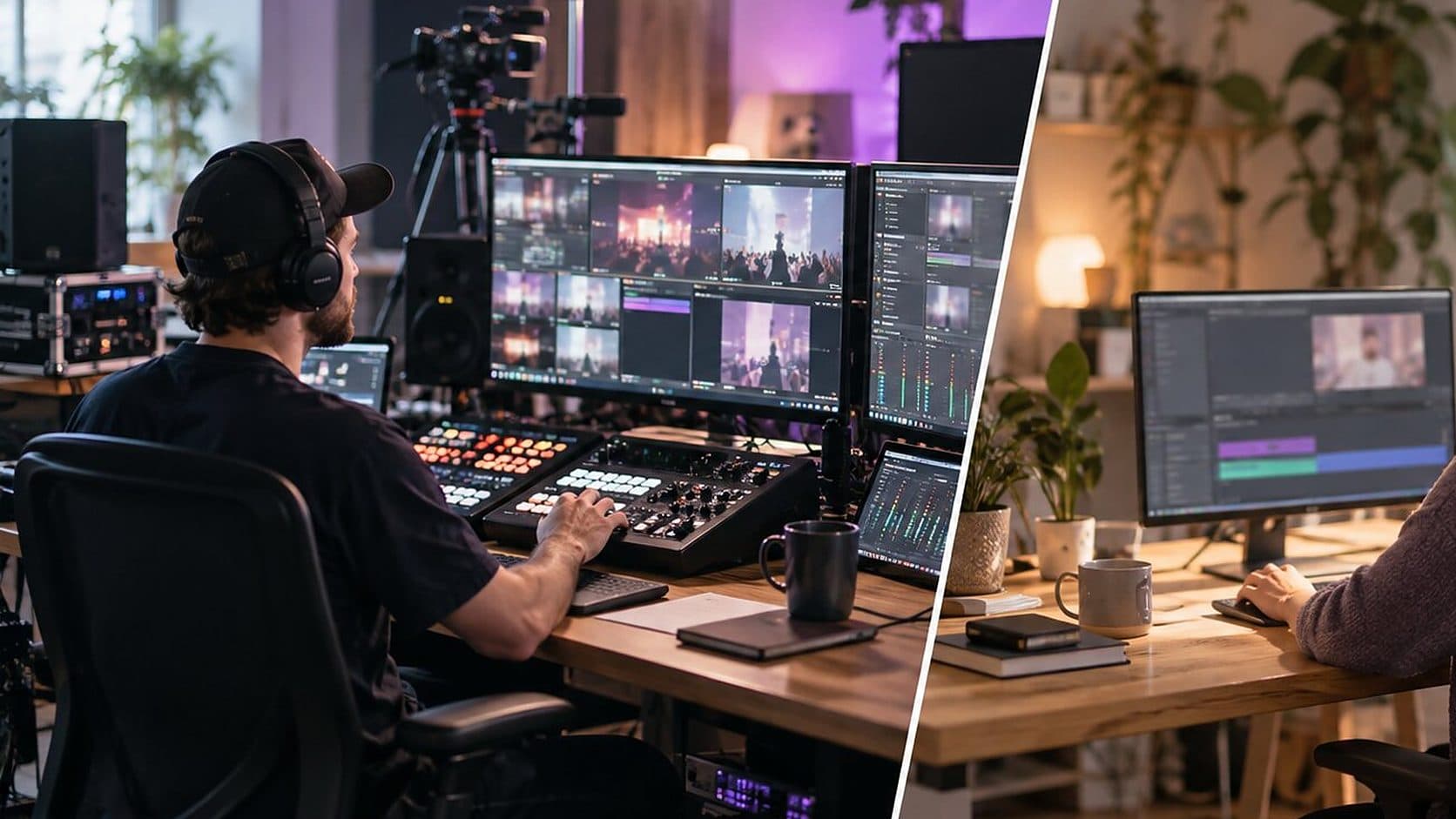
Apps Like OBS Studio for Mac: Simpler Alternatives for Recording Your Screen
OBS Studio is built for streaming, and most people who install it want to record a screen. Here are the apps like OBS that suit that job on a Mac, and when to stay.
5 min read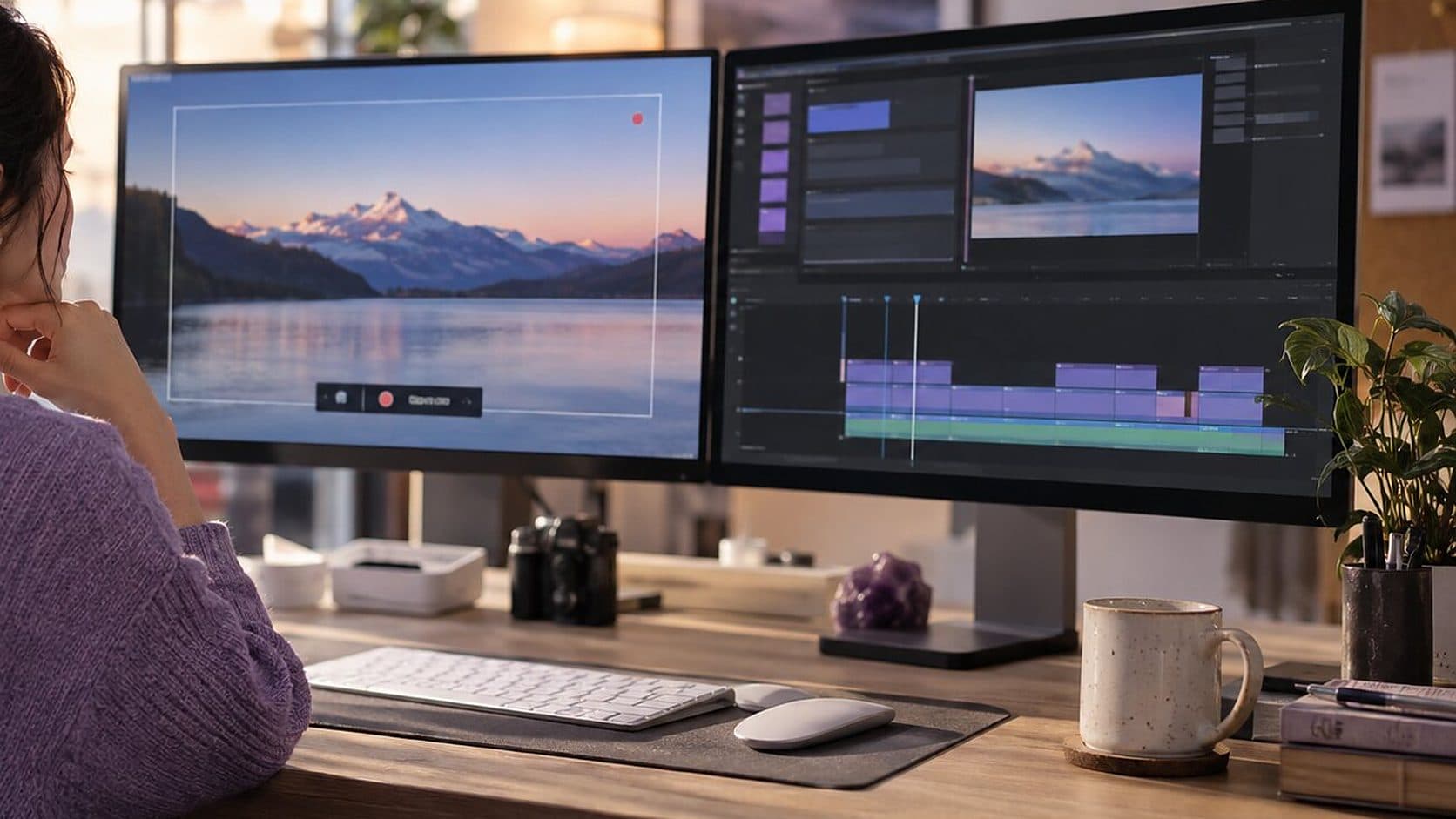
Comparisons
Free Screen Recorder for Mac: What You Get for Nothing and Where It Stops
A Mac can record its screen for nothing, and so can OBS Studio. Here is what each free option does, where it stops, and when paying for a recorder is worth it.
6 min read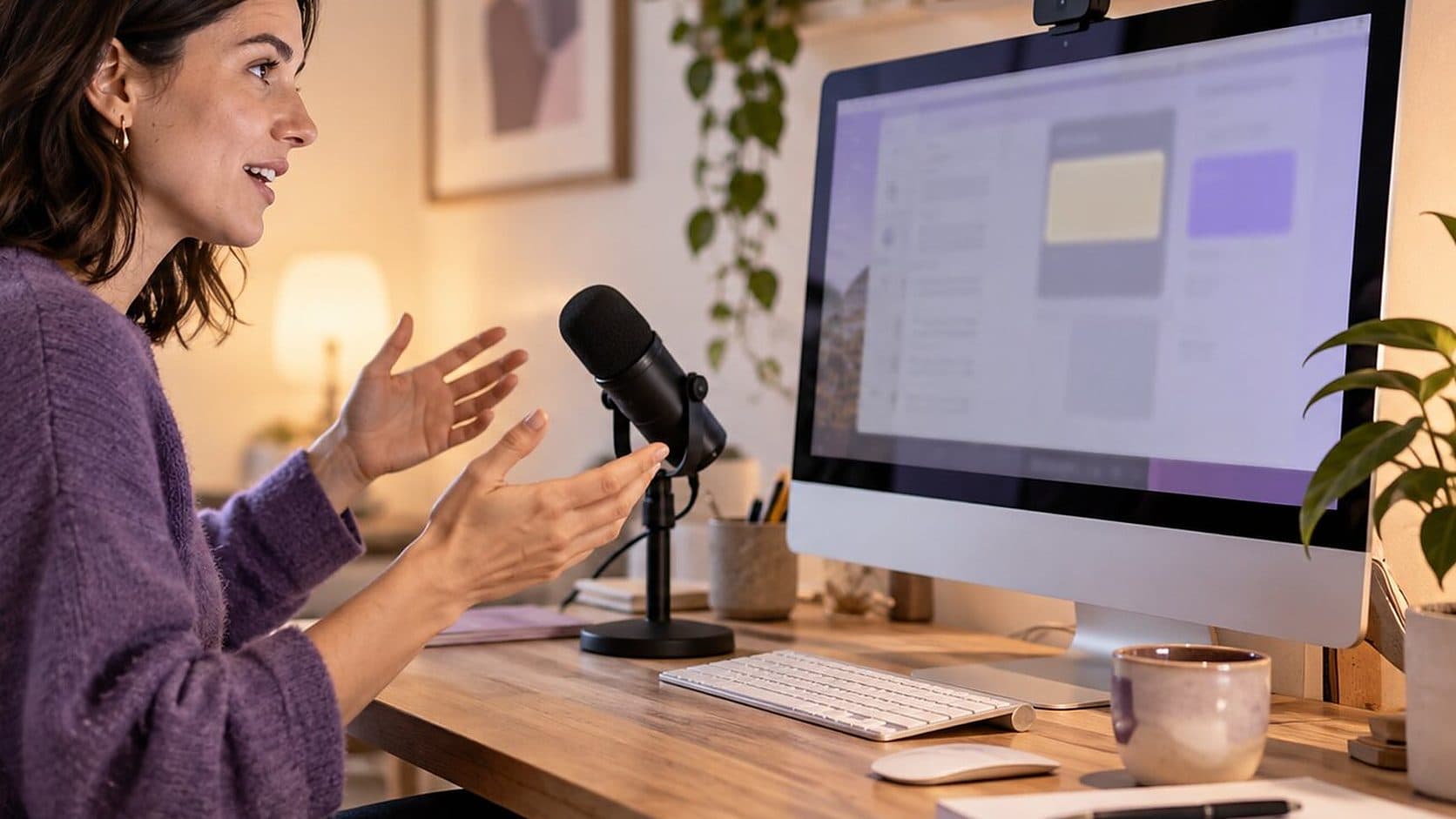
How-To Guides
How to Make a Screencast on a Mac: Plan, Record, Edit and Export
A screencast is a recording of your screen with a voice explaining it. Here is the workflow that makes one watchable, including coding screencasts and the edit.
4 min read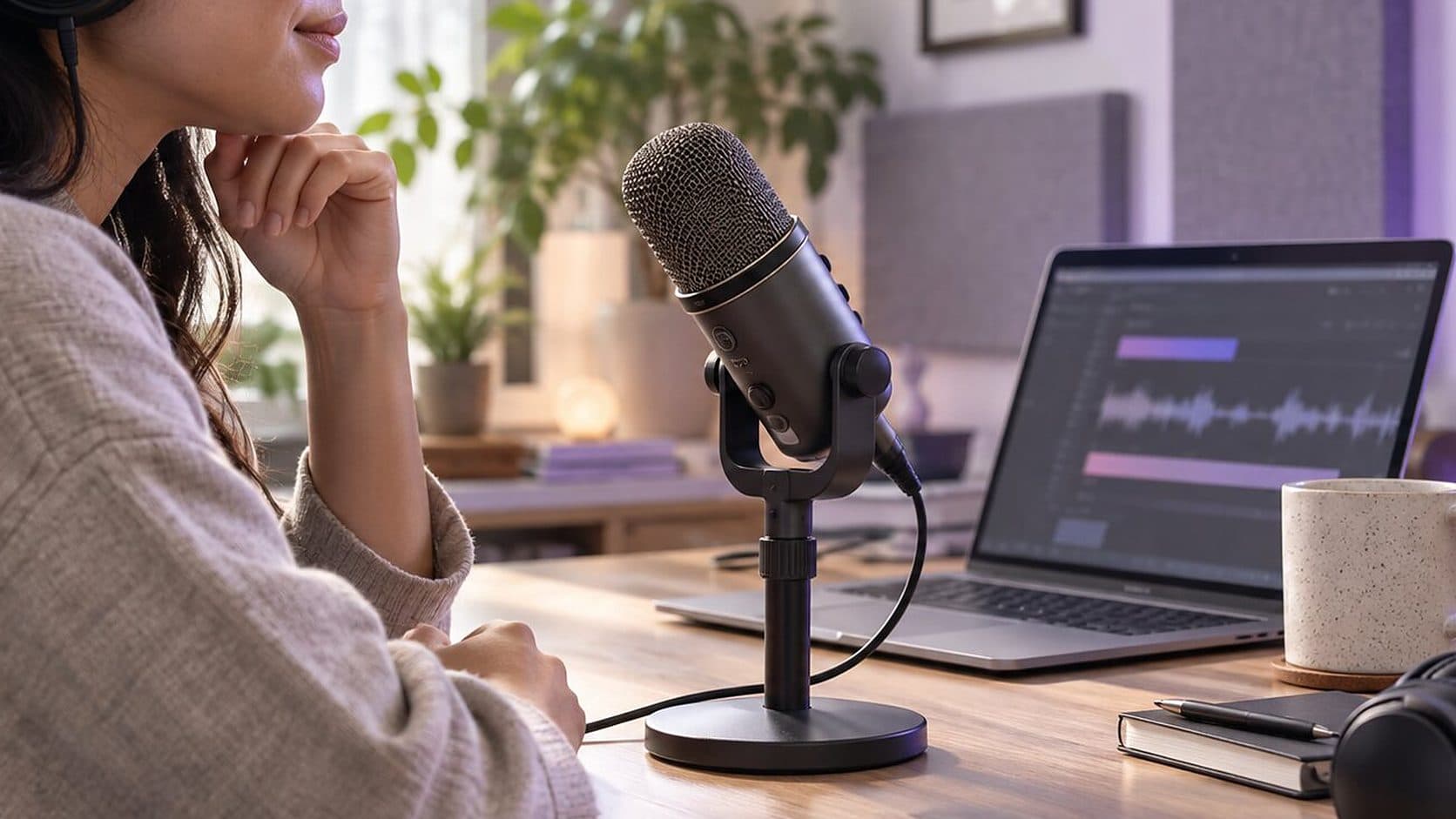
How-To Guides
How to Record Audio on a Mac: Voice Memos, QuickTime and System Sound
A Mac can record your voice with two apps you already have. Here is how each works, how to capture the sound the Mac plays, and when audio-only is the wrong tool.
5 min read
How-To Guides
How to Record Yourself on a Mac: Camera Video, Webcam and Screen Together
A Mac can record you with its own camera in a few clicks. Here are the built-in options, how to get a good picture, and how to record yourself and your screen together.
5 min read
How-To Guides
How to Remove Background Noise From a Video or Mic Recording on a Mac
Steady noise like a fan or a hum can be reduced after the fact. A voice in the next room cannot. Here is how to tell the difference and what to do about each.
6 min read
How-To Guides
How to Screen Record on a Mac With Audio: Microphone, System Sound and QuickTime
A Mac screen recording can have your voice, the app's sound, both or neither. Here is what each built-in route captures, and how to get the sound you meant to.
5 min read
How-To Guides
How to Screen Record on a Mac: Shortcuts, QuickTime and When to Use a Recorder
Yes, you can screen record on a Mac without installing anything. Here are the two built-in routes, where the file goes, how to stop, and where they run out.
7 min read
How-To Guides
How to Take a Screenshot on a Mac: Every Shortcut, the Clipboard and Where Files Go
Shift-Command-3, 4 and 5 cover almost everything. Here is what each does, how to copy to the clipboard, where the file goes and when you want a recording instead.
6 min read
Video Marketing
Product Demo Script Template: A Fill-In Script and a Worked Example for Software Demos
A demo script is a list of beats, not a speech. Here is a five-part template for software demos and launch videos, with timings and a worked example to adapt.
5 min read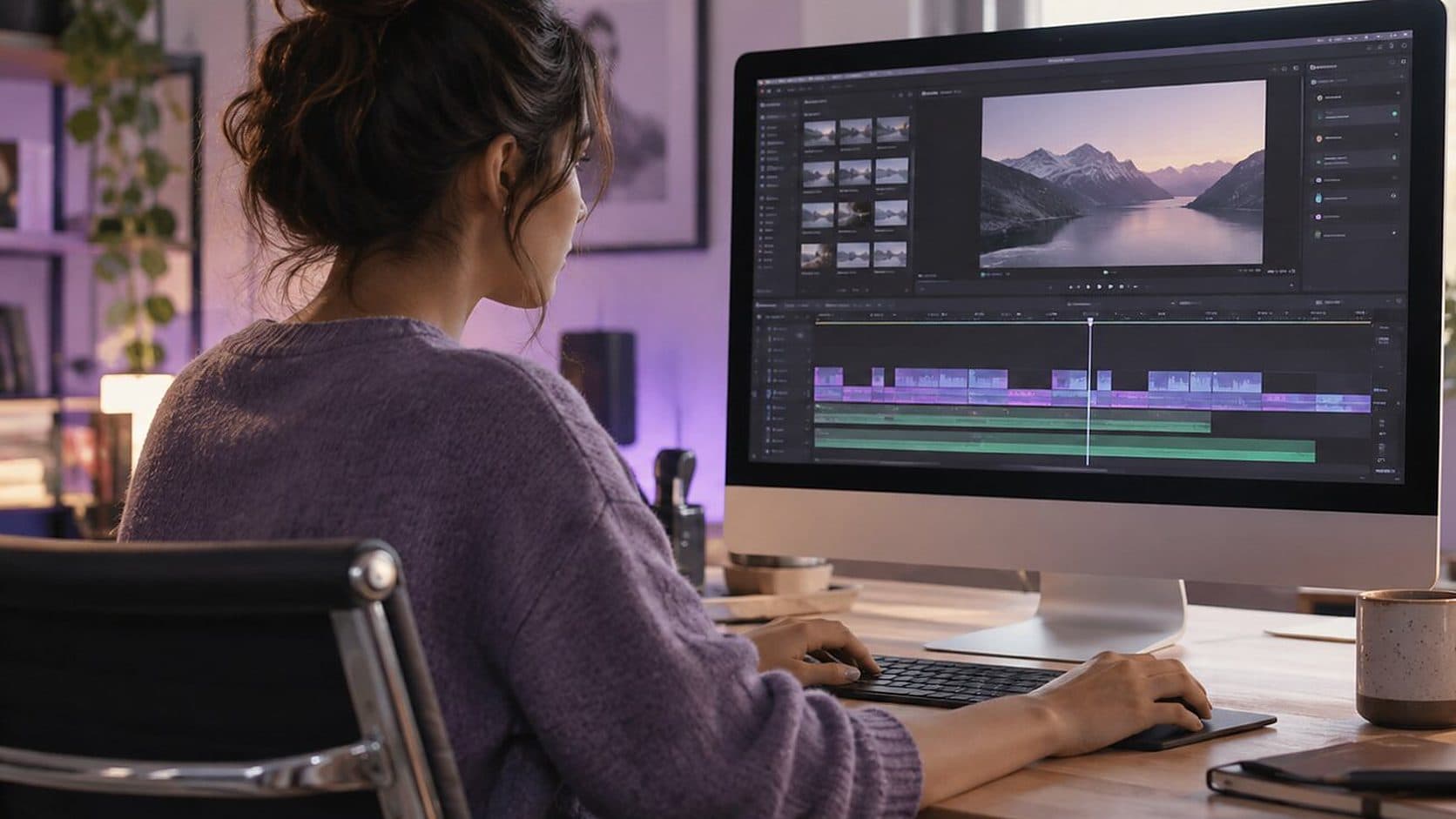
Comparisons
Video Editing Software for Mac: What to Use for Screen Recordings and What for Films
There are two kinds of video: footage you assemble and a screen you recorded. They need different editors. Here is how to choose for a Mac, and what to skip.
6 min read
Video Marketing
How to Record a Software Demo
A step-by-step method for recording a software demo people can follow: prepare the machine, capture the right window, get the microphone right, then trim and export.
14 min read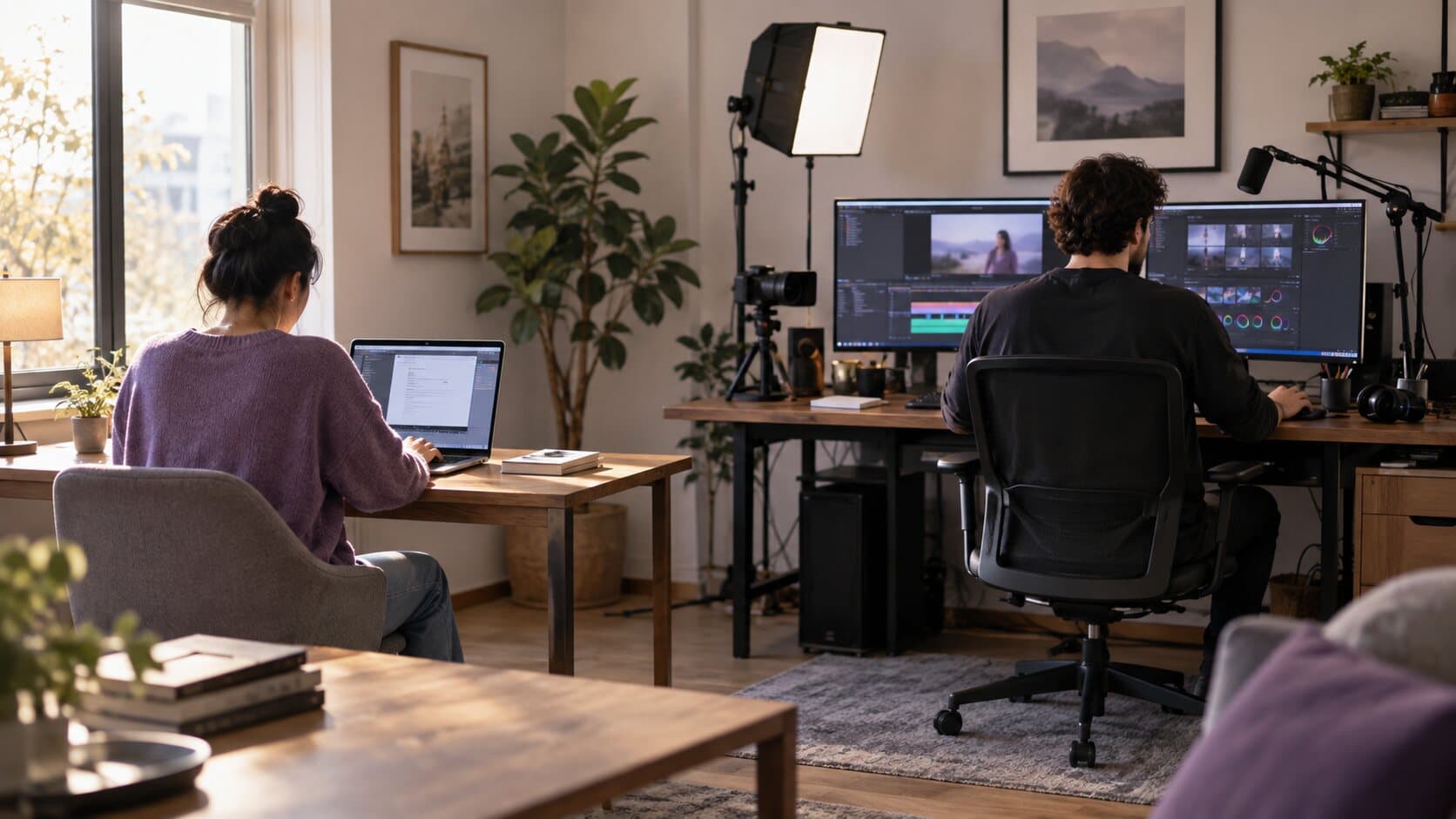
Comparisons
ReScreen vs ScreenFlow: How Much Video Editor Do You Actually Need?
ScreenFlow is a video editing suite that records. ReScreen is a recorder that edits. The right answer depends on what you do after you press stop.
5 min read
Product Features
4K 60 FPS Screen Recording on Mac: Resolution, Codecs and Quality Explained
Blurry text and choppy scrolling come from the wrong settings, not the wrong Mac. Here is what resolution, frame rate, codec and quality actually do.
6 min read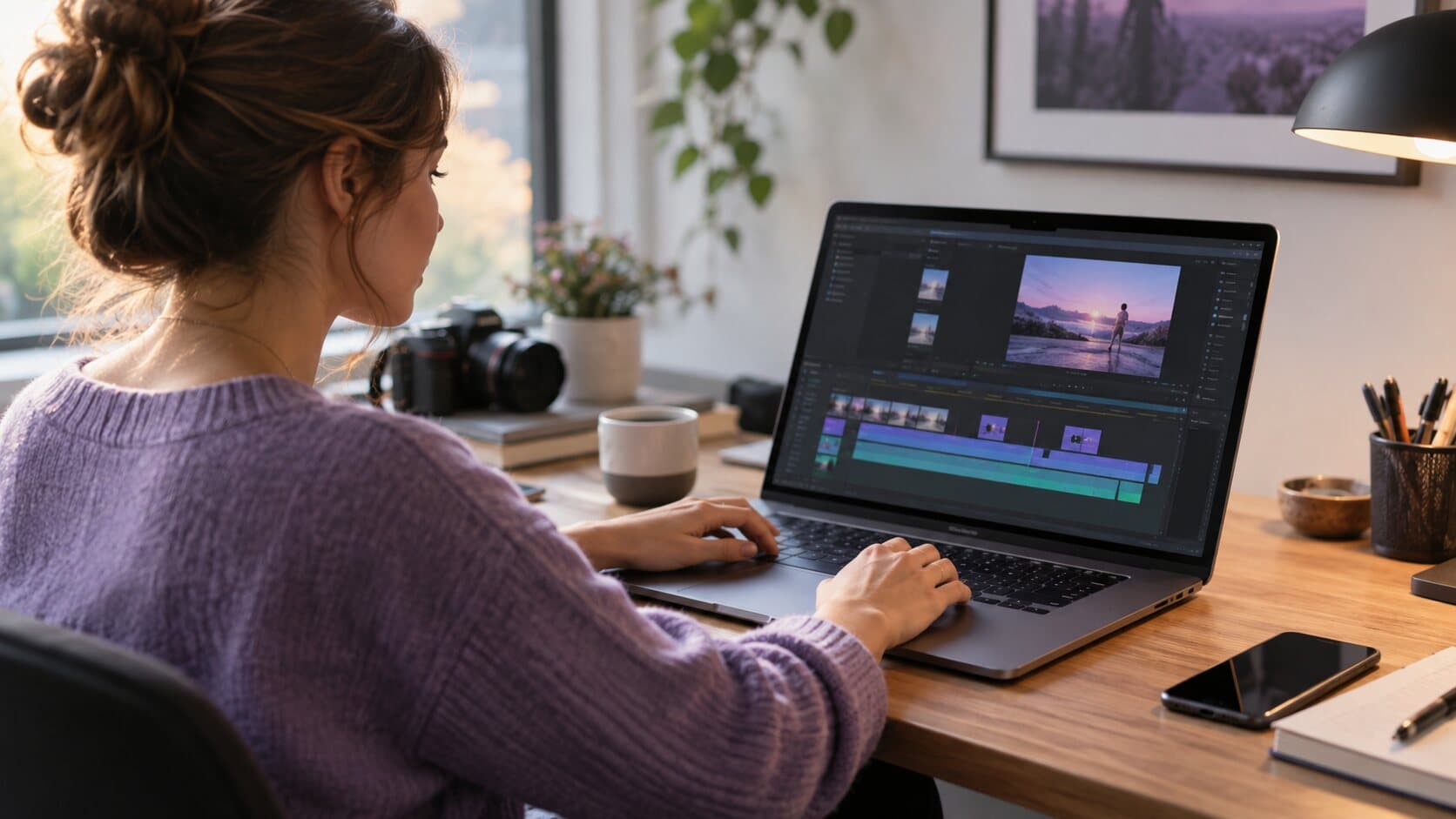
Product Features
A Screen Recorder With a Built-In Editor: Cut the Take Without Leaving the App
The take is fine except for eleven seconds. ReScreen opens a timeline the moment you stop, so fixing it never means importing into another video editor.
6 min read
Use Cases
Async Video Updates: How to Replace Meetings With Walkthroughs People Watch
Most status meetings are one person talking over a shared screen. Record it once instead. A practical workflow for async updates, SOPs and training.
6 min read
Product Features
Crash-Safe Screen Recording on Mac: Never Lose a Long Take Again
A recorder that writes one big file loses everything when something goes wrong. Here is how saving the take continuously, and offering to recover it, protects a long recording.
6 min read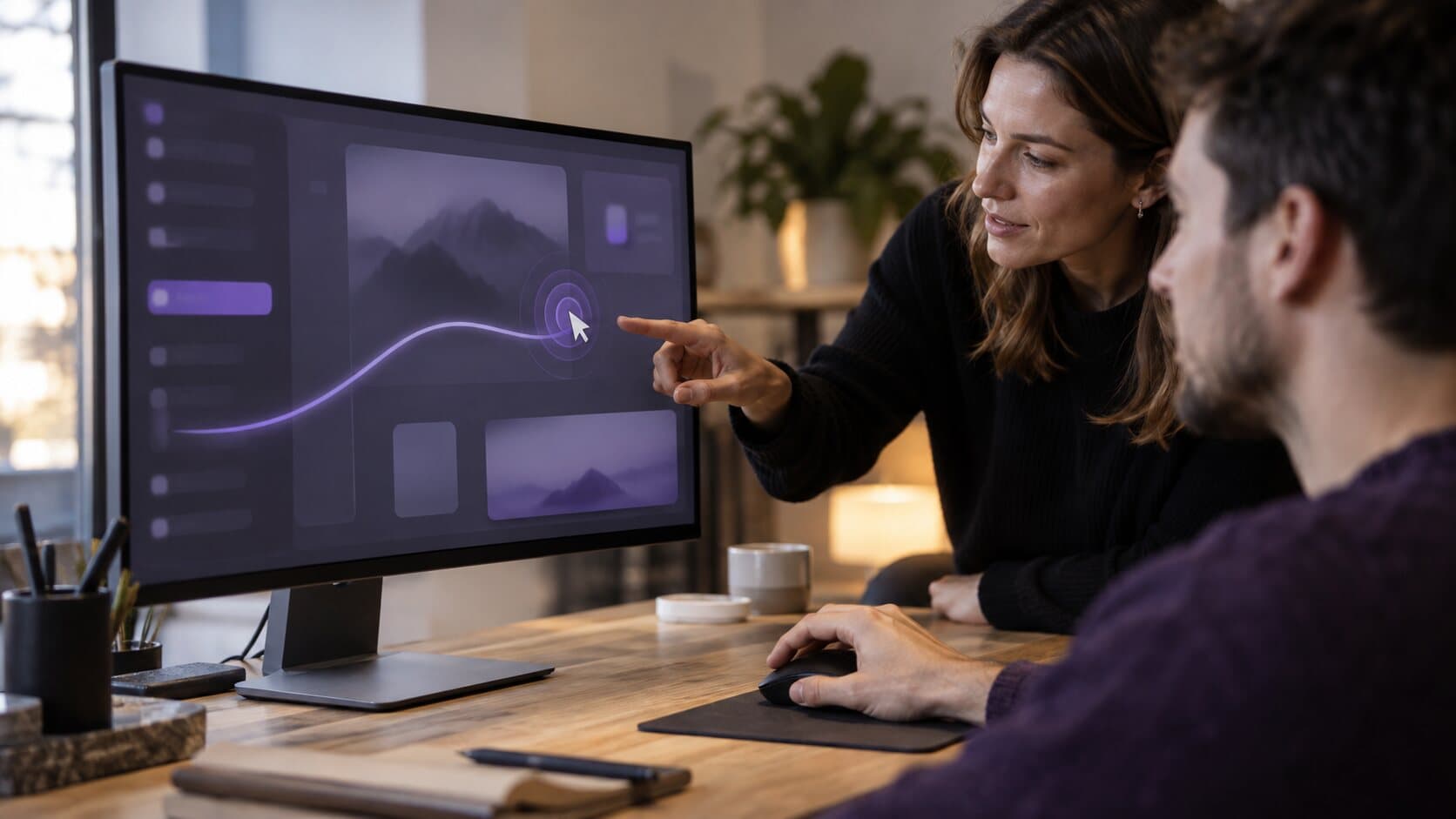
Feature Guides
Cursor Smoothing and Click Effects: A Guide to Every Cursor Setting in ReScreen
A setting-by-setting guide to making the pointer readable: size, smoothing, idle hide, click effects and click colour, with values for each kind of video.
6 min read
Video Marketing
Customer Onboarding Videos That Shorten Time-to-Value and Reduce Churn
New customers rarely leave because the product is bad. They leave because they never reached the part that is good. Short onboarding videos get them there.
6 min read
Video Marketing
How to Build a YouTube Channel for a Software Company That Customers Actually Use
Most software company channels are a webinar graveyard. Here is a practical way to build a tutorial channel people search for, watch and come back to.
6 min read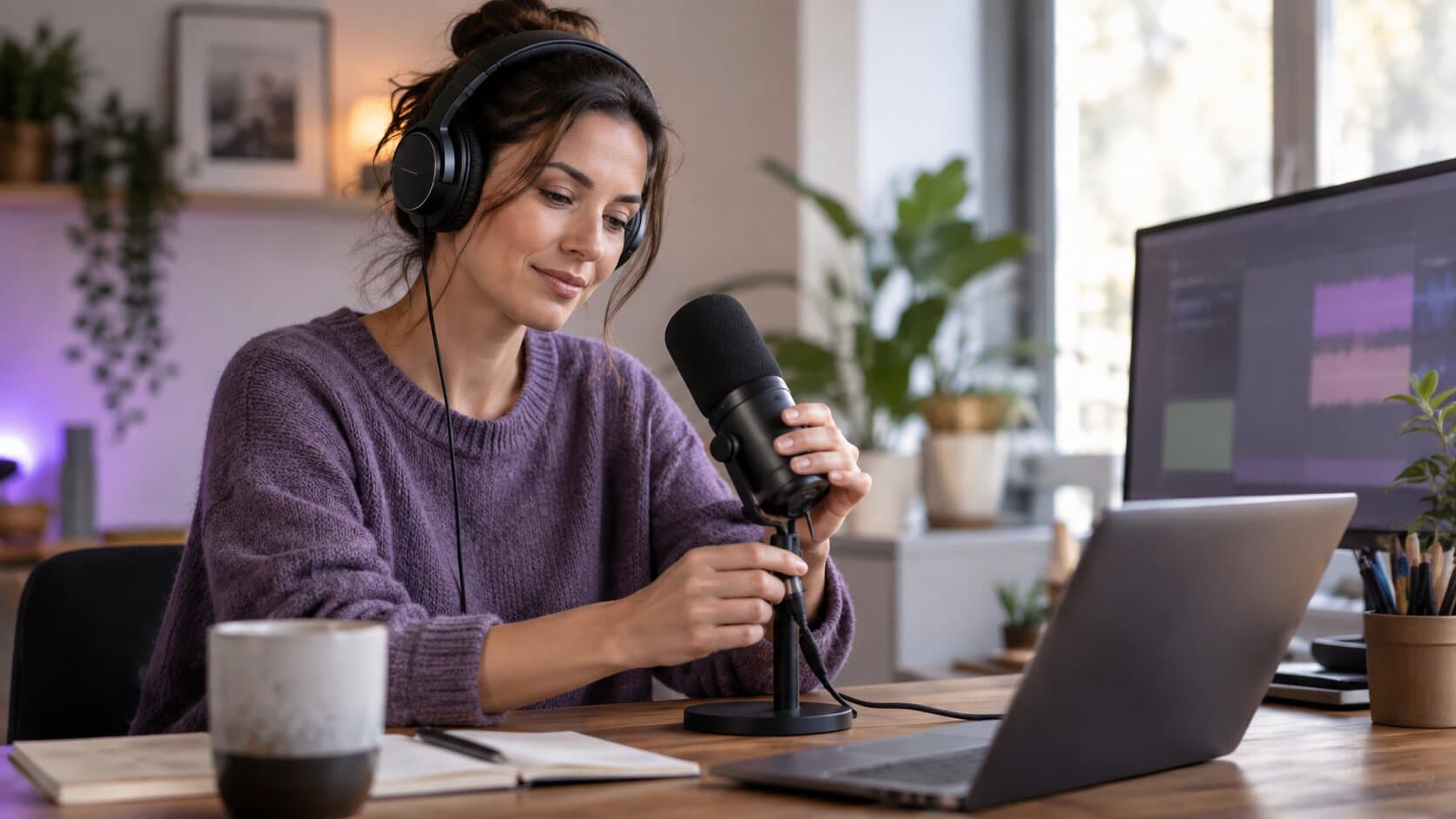
Use Cases
How to Fix Bad Audio in Screen Recordings: Quiet Voice, Loud App Sounds and Background Noise
A quiet voice, a deafening notification and a humming fan are three different problems. Here is why one flattened track hides them, and how to fix each.
6 min read
Video Marketing
How to Make Software Tutorial Videos Customers Actually Finish
Tutorials get abandoned when they are long, quiet and hard to follow. A repeatable method for short, clear software tutorials, with the settings that speed it up.
6 min read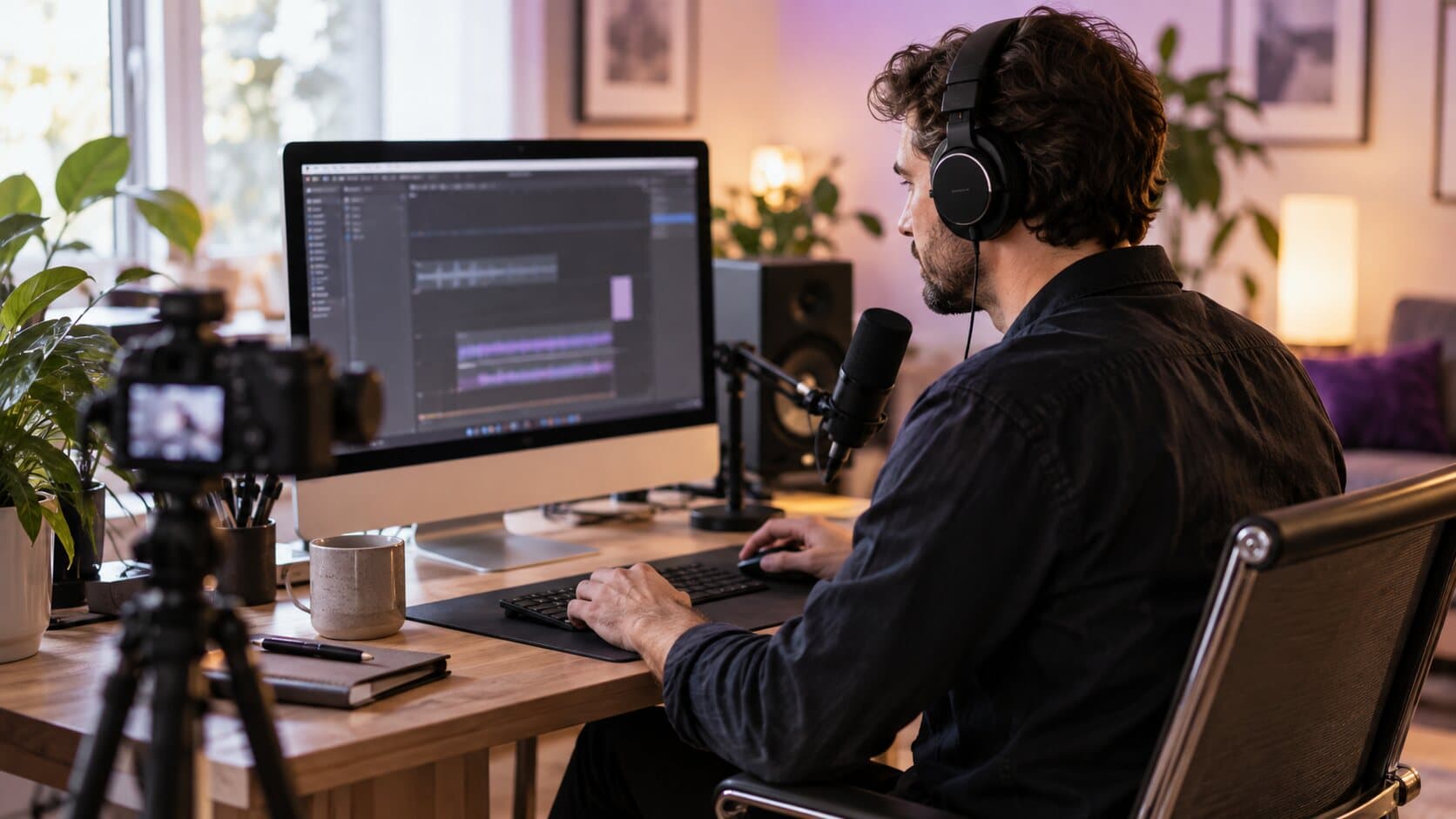
Product Features
How to Record System Audio on Mac Without a Virtual Audio Driver
Your Mac recording has your voice but not the app's sound. Here is why that happens, and how to capture system audio without a loopback driver.
6 min read
Comparisons
ReScreen vs OBS Studio: Which Mac Screen Recorder Fits the Job You Actually Have?
OBS Studio is a live production studio. ReScreen is a recorder and editor for polished tutorials. Here is how to tell which job you actually have.
6 min read
Use Cases
Screen Recording for Online Courses: Stop Losing Lessons and Hours to the Edit
Course creators lose lessons to crashes and weekends to editing. Here is a recording workflow that keeps forty lessons consistent, safe and quick to finish.
6 min read
Feature Guides
Smart Zoom Settings Explained: Every Control, Default and Recommended Value
What each Smart Zoom control in ReScreen does, what it defaults to, and the values worth using for tutorials, product demos, social clips and courses.
6 min read
Use Cases
Support Videos That Reduce Tickets: Stop Typing the Same Answer Twice
Your team answers the same ten questions every week, one careful paragraph at a time. A small library of short support videos answers them once.
6 min read
Product Features
The Auto Zoom Screen Recorder for Mac That Builds Zooms From Your Clicks
Viewers cannot read a 40-pixel button on a 4K capture. Here is how Smart Zoom builds editable zooms from your clicks, and who it saves the most time.
6 min read
Comparisons
The Best Screen Recorder for Mac Depends on the Job: An Honest Roundup
Nine Mac screen recorders, sorted by the job each one does best, from quick clips to live streams. Written by the makers of ReScreen, and we say so up front.
10 min read
Use Cases
Viewers Can't See What You Click? How to Fix Unreadable Screen Recordings
Tiny buttons, a four-pixel pointer and silent clicks: why screen recordings become unreadable on small players, and the fixes that do not mean re-recording.
6 min read
Feature Guides
Webcam Overlay Shapes for Screen Recordings: Which Shape, Size and Position to Use
Circle or pill? 15% or 30%? A setting-by-setting guide to ReScreen's camera overlay, with values for tutorials, demos, social clips and courses.
6 min readAbout tutorials articles
A tutorial video works when the viewer can follow every click and finish the task. These articles cover how to make software tutorial videos, how to make a screencast and how to keep viewers able to see what you click.
Record the next one properly
Install it, hit ⌥⌘R, and watch a take that would normally cost you an evening in a timeline come out finished.
macOS 13 Ventura or later · Apple Silicon and Intel